May 7, 2026
When it comes to running a successful Shopify store, product images are one of the most powerful tools you have. High-quality visuals not only grab attention but also build trust, improve user experience, and ultimately increase conversions. However, simply uploading images isn’t enough—you need to follow the correct Shopify product image size guidelines to ensure your store performs at its best.
In this comprehensive guide, we’ll break down everything eCommerce sellers, photographers, and agencies need to know about Shopify product image sizes, formats, optimization, and best practices.
Why Shopify Image Size Matters
Before diving into technical specifications, it’s important to understand why image size is crucial for your Shopify store:
Recommended Shopify Product Image Size
Shopify allows images up to 5000 x 5000 pixels, but that doesn’t mean you should always use the maximum size.
Ideal Image Size:
This size ensures:
Shopify Image Size Requirements
Here are the key specifications you should follow:
1. Maximum File Size
2. Supported Formats
3. Aspect Ratio
Best Image Sizes for Different Shopify Elements
To create a fully optimized store, you need to consider image sizes beyond just product photos.
Product Images
Collection Images
Banner Images
Slideshow Images
Blog Images
Maintaining consistency across all visuals enhances your store’s branding and user experience.
Choosing the Right File Format
Different image formats serve different purposes. Choosing the right one can significantly impact performance and quality.
JPEG (JPG)
PNG
WebP
Image Optimization for Shopify
Uploading large images without optimization can slow down your store. Here’s how to optimize effectively:
1. Compress Images
Use tools like TinyPNG or ImageOptim to reduce file size without losing quality.
2. Use Proper Naming
Instead of:
IMG_1234.jpg
Use:
blue-denim-jacket-front-view.jpg
This improves SEO and makes your images searchable.
3. Add Alt Text
Alt text helps search engines understand your images and improves accessibility.
Example:
Men’s blue denim jacket front view
4. Enable Lazy Loading
Shopify themes often support lazy loading, which delays image loading until needed, improving speed.
Shopify Image SEO Best Practices
Optimizing your images for search engines can bring significant organic traffic.
Use Keywords in:
Maintain Image Quality
Blurry or pixelated images reduce trust and increase bounce rates.
Optimize Page Speed
Use compressed images and modern formats like WebP.
Importance of Consistent Image Styling
Consistency is critical for building a professional brand.
Maintain:
This is especially important for fashion, electronics, and catalog-based stores.
Image Background Best Practices
White Background
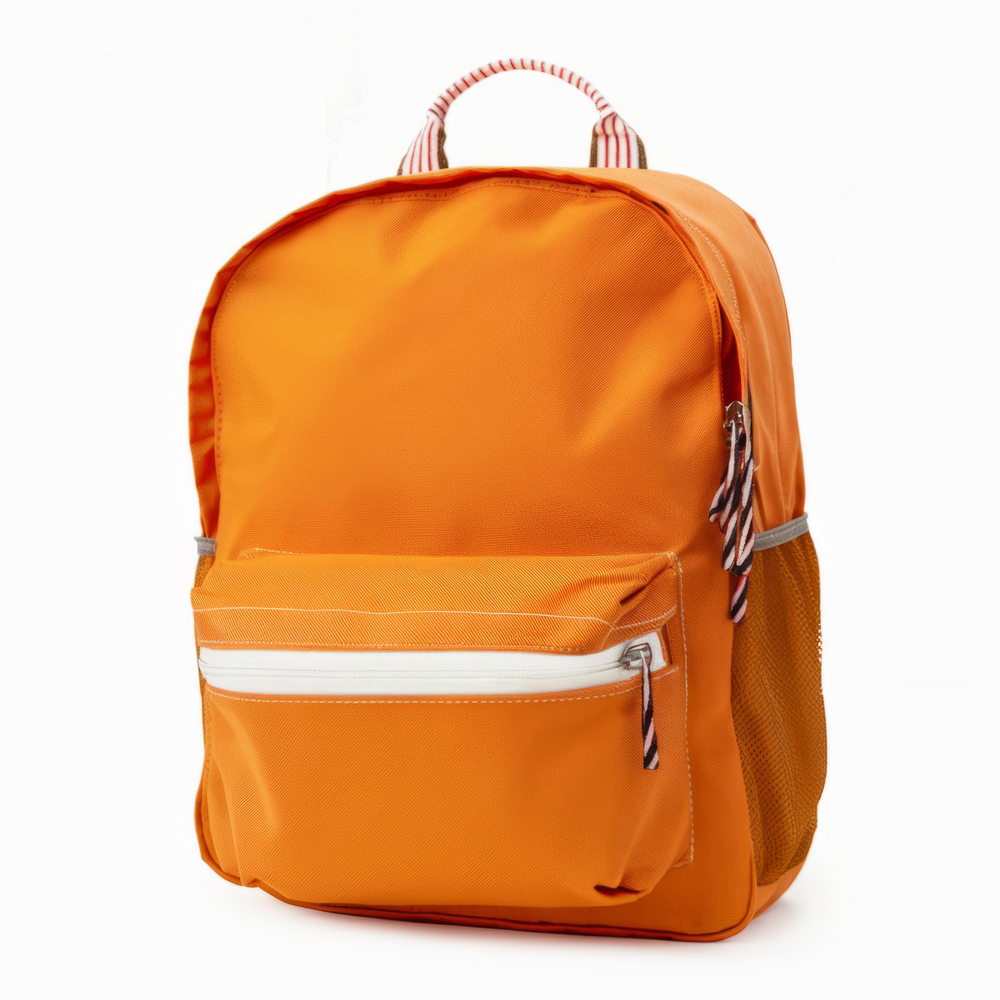
Lifestyle Background
Transparent Background
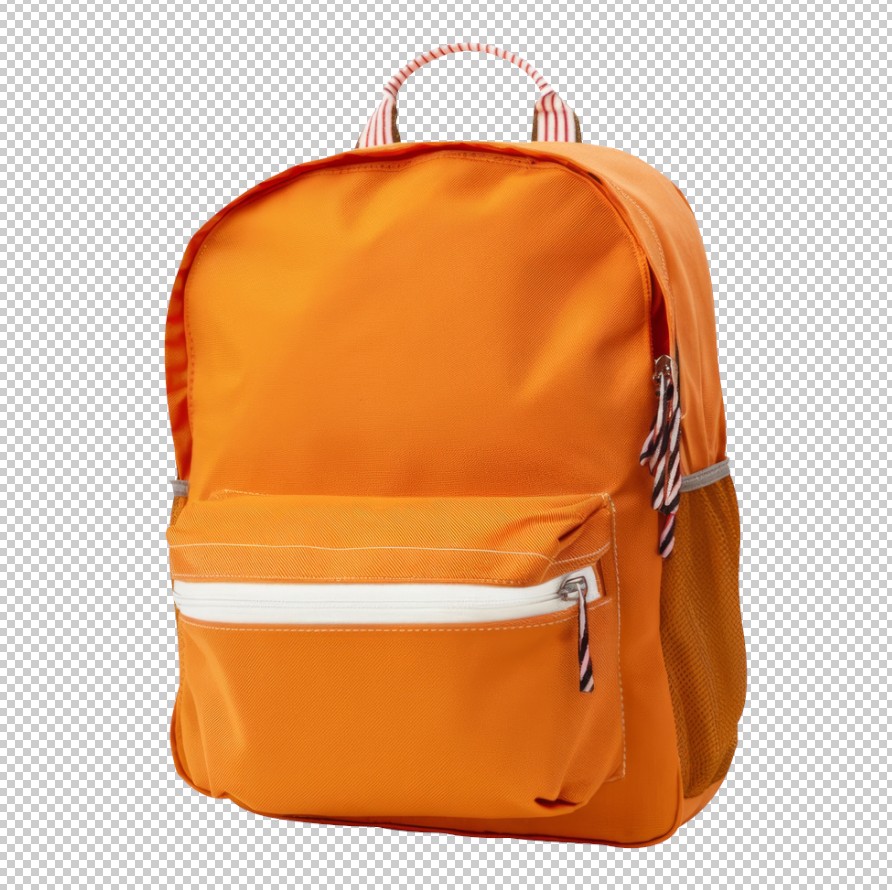
Professional services like clipping path or background removal can help achieve clean, consistent visuals.
Zoom Functionality and Image Quality
Shopify automatically enables zoom when images are large enough.
Requirements:
High-resolution images allow customers to inspect product details, increasing trust and conversions.
Mobile Optimization Tips
More than half of eCommerce traffic comes from mobile devices. Ensure your images are mobile-friendly:
Common Mistakes to Avoid
1. Uploading Oversized Images
Large files slow down your site and hurt SEO.
2. Inconsistent Image Sizes
Creates a messy and unprofessional layout.
3. Ignoring Compression
Unoptimized images increase bounce rates.
4. Poor Lighting and Quality
Low-quality images reduce trust and conversions.
5. Missing Alt Text
Missed opportunity for SEO and accessibility.
Benefits of Professional Image Editing
For serious eCommerce sellers, investing in professional image editing services can make a significant difference.
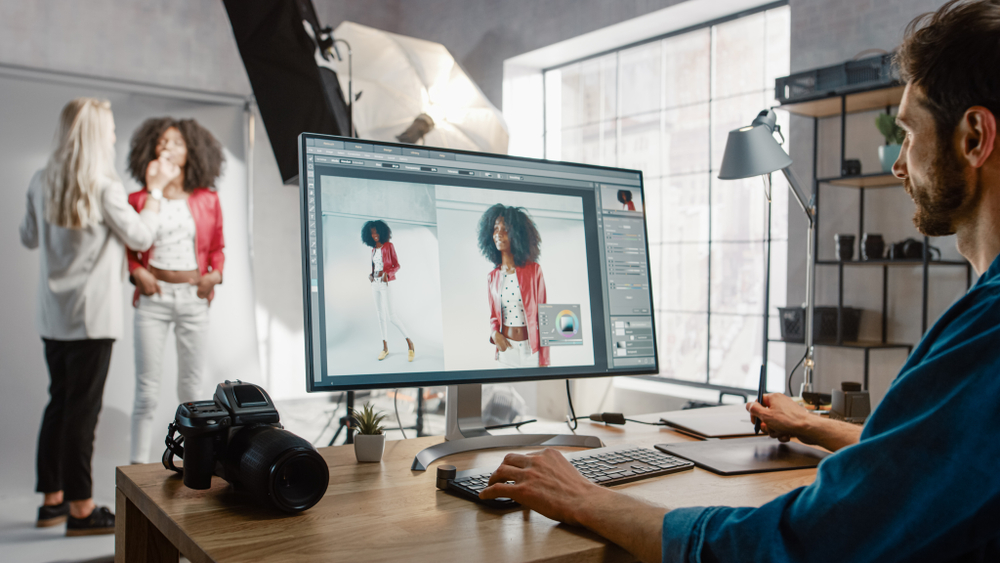
Key Benefits:
This is particularly valuable for agencies and photographers handling high-volume product images.
Shopify Image Size Cheat Sheet
| Image Type | Recommended Size |
| Product Image | 2048 x 2048 px |
| Collection Image | 1024 x 1024 px |
| Banner Image | 1200 x 400 px |
| Slideshow Image | 1600 x 600 px |
| Blog Image | 1200 x 800 px |
How Image Optimization Boosts Sales
Optimized images directly impact your bottom line:
In a competitive eCommerce environment, even small improvements in image quality and performance can lead to significant revenue growth.
Final Thoughts
Mastering Shopify product image sizes is essential for building a successful online store. By following the recommended dimensions, optimizing your images, and maintaining consistency, you can create a visually appealing and high-performing eCommerce website.
For eCommerce sellers, photographers, and agencies, investing in high-quality image editing and optimization isn’t just an option—it’s a necessity. Whether you’re managing a small store or a large product catalog, the right image strategy can set you apart from competitors and drive long-term success.
If you want to take your Shopify store to the next level, consider professional image editing services from ClippingImages.com to ensure your product visuals are perfectly optimized, consistent, and conversion-ready.