July 9, 2026
When it comes to professional photo editing, choosing the right background removal technique can make a significant difference in image quality. Whether you’re an e-commerce seller, product photographer, marketing agency, or creative professional, understanding the difference between clipping path vs image masking is essential for producing clean, high-quality visuals.
Both techniques are widely used in Photoshop, but they serve different purposes. A clipping path is perfect for products with hard, defined edges, while image masking excels when working with complex subjects like hair, fur, transparent objects, and semi-transparent fabrics.
In this comprehensive guide, we’ll explain clipping path and image masking, compare their strengths and limitations, discuss their ideal use cases, and help you determine which method is best for your project.
A clipping path is a vector-based outline manually created around an object using the Photoshop Pen Tool. This path isolates the subject from its background with pixel-perfect precision.
Unlike automatic background removal tools, clipping paths are drawn by hand, making them highly accurate for products with smooth and well-defined edges.
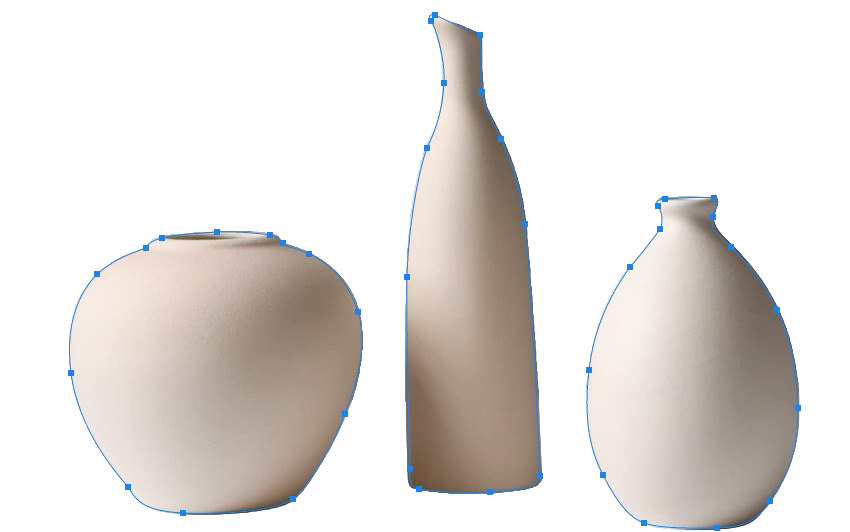
Because clipping paths rely on vector paths, they create extremely clean edges that are ideal for commercial product photography.
Image masking is a non-destructive editing technique used to separate objects that contain complex or soft edges.
Instead of creating a hard vector outline, masking uses grayscale selections, channels, or layer masks to preserve fine details.
This makes image masking the preferred solution for images containing:

Image masking preserves natural transitions that clipping paths cannot reproduce.
| Feature | Clipping Path | Image Masking |
| Edge Type | Hard | Soft |
| Accuracy | Very High | Very High |
| Best For | Products | Hair & Transparent Objects |
| Editing Method | Pen Tool | Layer Masks & Channels |
| Background Removal | Yes | Yes |
| Handles Hair | No | Yes |
| Handles Fur | No | Yes |
| Transparent Objects | Limited | Excellent |
| File Size | Smaller | Larger |
| Editing Speed | Faster | Slower |
The editor manually places anchor points around the object using the Pen Tool.
After closing the path:
Because the outline is vector-based, the edges remain extremely sharp.
Image masking uses grayscale values instead of vector paths.
In Photoshop:
This approach allows editors to preserve tiny details that would otherwise disappear.
For example:
Individual strands of blonde hair cannot realistically be cut using a clipping path.
Masking preserves every strand while maintaining natural softness.

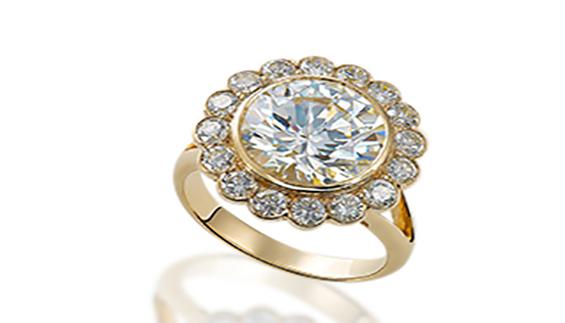
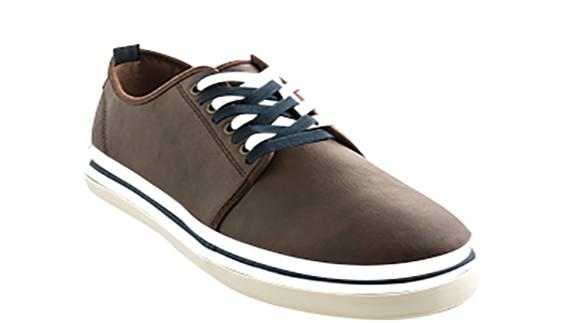
Clipping paths are the best choice when your object has solid edges.
Ideal examples include:
These products have defined boundaries that can be accurately traced.
Image masking is necessary whenever objects include fine details.
Examples include:
Hair is impossible to cut naturally using clipping paths.
Masking preserves every strand.
Animal fur contains thousands of tiny fibers.
Masking keeps these details intact.
Veils, lace dresses, and transparent fabrics require masking.
Glass bottles
Wine glasses
Eyeglasses
Plastic packaging
Water splashes
Leaves
Trees
Grass
Feathers
Smoke
Clouds
Fire
Many beginners assume that clipping paths can solve every background removal task.
Unfortunately, they cannot.
Imagine removing the background from a model with curly hair.
A clipping path would:
Masking preserves every natural detail.
Image masking is excellent but isn’t always the right choice.
For simple products:
For product catalogs containing thousands of images, clipping paths are far more efficient.

Online marketplaces require clean product images.
Different products require different techniques.
Choosing the correct editing technique improves image quality and helps maintain a professional storefront.
Neither method is universally better.
Instead:
Clipping Path wins for:
Image Masking wins for:
The best choice depends entirely on the subject.
Absolutely.
Professional editors frequently combine clipping paths with image masking.
For example:
A fashion model may have:
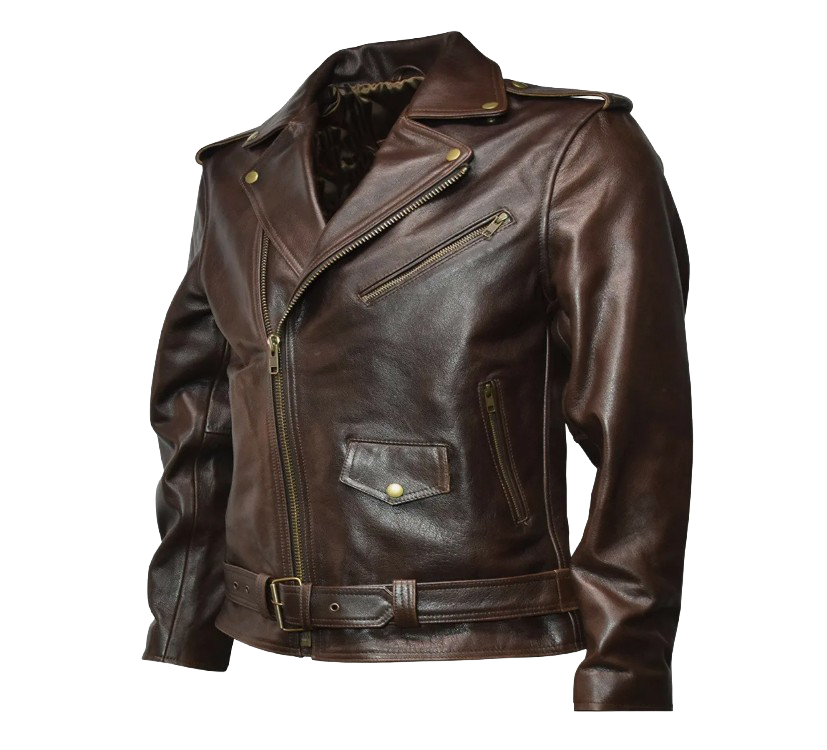
Using both techniques creates the most realistic final image.
Perfect for commercial products.
Ideal for high-volume editing.
Usually more affordable than masking.
Makes selective adjustments simple.
Widely accepted by printing companies.
Maintains natural hair and fur.
Perfect for glass and smoke.
Original image remains untouched.
Produces smoother edge transitions.
Ideal for advertising and fashion photography.
Many businesses waste money by choosing the wrong editing technique.
Avoid these mistakes:
Results look unnatural.
Adds unnecessary editing time.
Automatic tools often miss edges and create halos.
Natural shadows improve realism after background removal.
Over-compression reduces editing quality.
If you’re processing hundreds or thousands of product images daily, clipping paths are generally the better option because they offer consistent accuracy and faster turnaround for products with defined edges.
However, businesses selling products with soft textures or transparent materials should invest in professional image masking despite the additional editing time.
Choosing the right workflow improves efficiency while maintaining exceptional image quality.
Professional image editing enhances more than appearance.
It helps businesses:
High-quality visuals often influence purchasing decisions, making expert editing a worthwhile investment.
When outsourcing image editing, look for a provider that offers:
Working with experienced editors ensures your images meet professional standards across e-commerce, print, and digital platforms.
Understanding clipping path vs image masking helps you select the most effective editing technique for every image.
If your subject has hard, clearly defined edges, a clipping path delivers clean, accurate, and efficient results. If your image contains hair, fur, transparent objects, or intricate details, image masking preserves the realism and subtle transitions that clipping paths cannot achieve.
For many professional projects, the strongest results come from combining both techniques. E-commerce businesses, photographers, and creative agencies benefit from using the right method for each subject, ensuring polished visuals that attract attention, build credibility, and support higher conversions.
At ClippingImages.com, we specialize in both hand-drawn clipping path services and advanced image masking solutions. Whether you need a single product image or thousands of professionally edited photos, our experienced team is committed to delivering precise, high-quality results with fast turnaround times. Partner with us to create images that elevate your brand and help your business stand out in today’s competitive online marketplace.