July 23, 2026
High-quality product images are one of the biggest factors influencing online sales. Customers cannot touch or test your products, so your images become your storefront. Whether you’re running a Shopify store, managing an eCommerce brand, or offering product photography services, understanding the correct Shopify product image size is essential.
Choosing the wrong image dimensions can lead to slow-loading pages, blurry zoom images, poor mobile experience, and even lower conversion rates. On the other hand, properly optimized images improve user experience, boost SEO, and help customers purchase with confidence.
In this complete Shopify Product Image Size Guide, you’ll learn the recommended dimensions, image formats, optimization techniques, SEO strategies, and professional tips to maximize your store’s performance.
Many store owners simply upload images directly from their camera. While this seems convenient, oversized images often slow down websites.
Proper image optimization helps:
Fast-loading stores generally keep visitors engaged longer, increasing the chances of making a sale.
Shopify recommends using square images whenever possible.
Ideal Shopify Product Image Size
The 2048 × 2048 resolution provides excellent image quality while supporting Shopify’s built-in zoom feature.
Consistency across product listings creates a professional appearance.
Recommended aspect ratios include:
Best for:
Example:
2048 × 2048 px
Ideal for:
Example:
1600 × 2000 px
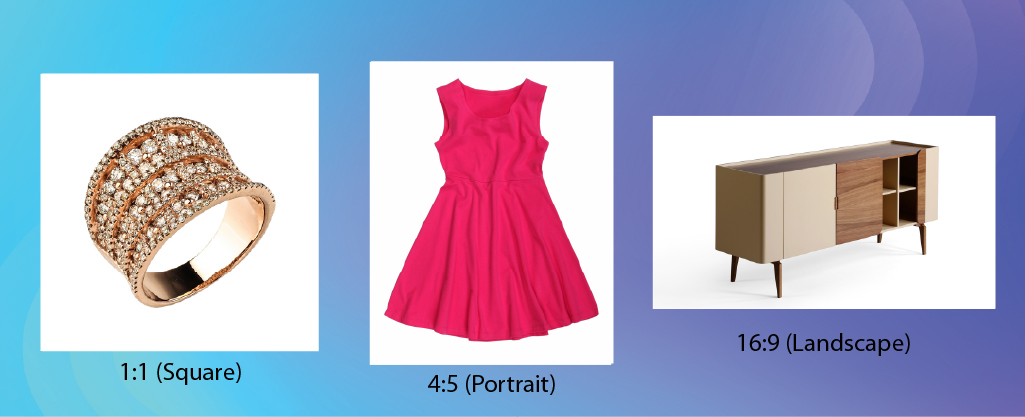
Useful for:
Shopify supports several image formats.
Best for:
Advantages:
Best for:
Advantages:
Disadvantages:
WebP is quickly becoming the preferred image format.
Benefits include:
Many Shopify themes now fully support WebP images.
Suitable only for:
Avoid using GIFs for large product galleries because they increase loading times.
Studies consistently show that products with multiple images perform better than those with only one.
Recommended:
Include:
The more visual information customers receive, the lower the uncertainty before purchasing.
Resolution matters more than file size.
Recommended:
Higher DPI intended for printing does not improve website image quality and usually results in unnecessarily large files.
Large image files reduce store speed.
Before uploading:
Aim for:
This helps pages load faster without noticeable quality loss.
Image optimization isn’t only about speed—it also helps search engines understand your content.
Instead of:
IMG_00345.jpg
Use:
black-leather-wallet.jpg
Better file names improve image search visibility.
Good example:
“Brown leather men’s wallet with RFID protection.”
Avoid keyword stuffing. Write naturally and describe what appears in the image.
Arrange images in a logical sequence:
This improves the customer browsing experience.
Clean backgrounds improve professionalism.
Recommended:
Lifestyle images can include realistic environments to demonstrate product usage.
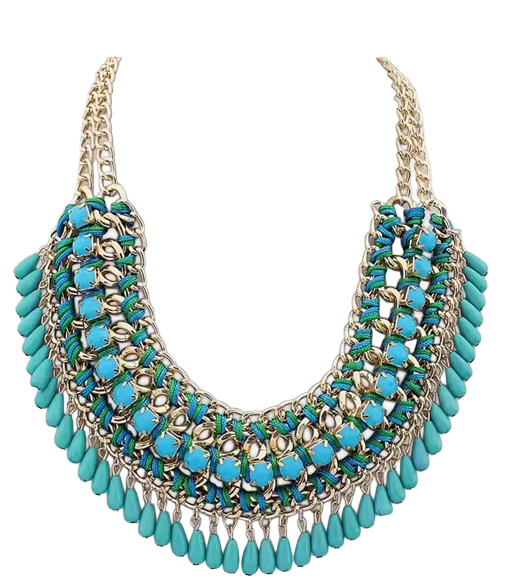
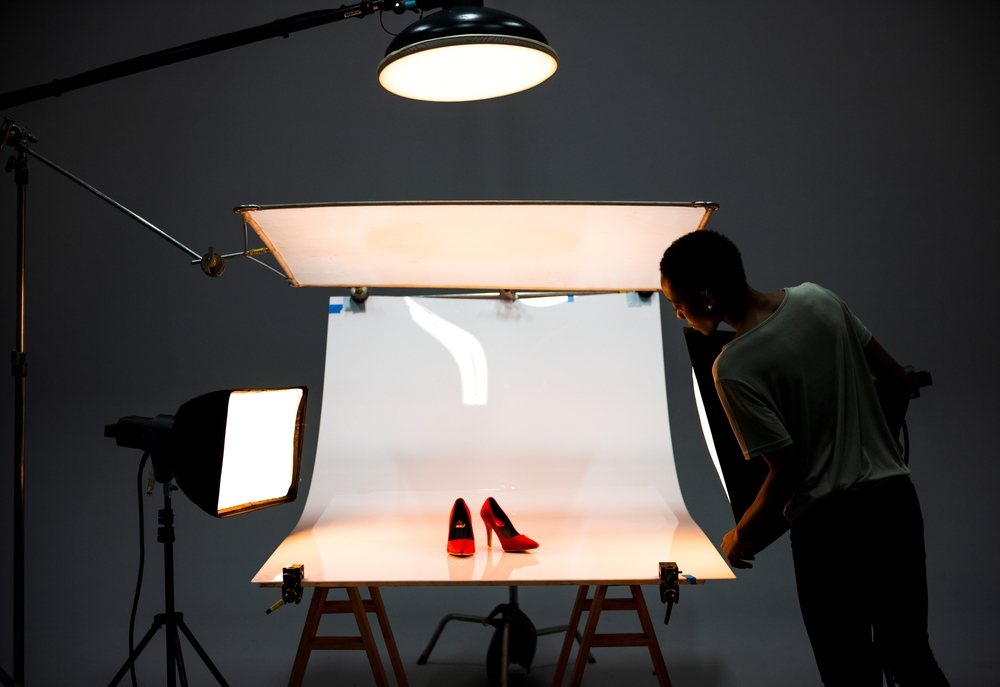
Even perfect dimensions cannot compensate for poor photography.
Use:
Professional editing further enhances product presentation.
Raw photos often contain:
Professional editing includes:
Clean images create stronger first impressions and improve buyer trust.
More than half of Shopify traffic comes from mobile devices.
Ensure your images:
Mobile-friendly images contribute to better engagement and conversions.
Avoid these frequent issues:
Oversized images slow page speed.
Inconsistent image sizes create an unprofessional layout.
Low-resolution images reduce buyer confidence.
Excessive compression causes visible quality loss.
Without descriptive alt text, you lose accessibility and SEO opportunities.
Dark or poorly lit images can make products look less appealing.

A simple workflow can help maintain consistent quality:
Following the same process for every product keeps your catalog consistent and professional.
Managing hundreds or thousands of product images can be time-consuming. Professional image editing services help businesses maintain consistent quality while saving valuable time.
Services often include:
For eCommerce sellers and agencies, outsourcing these tasks allows teams to focus on marketing, customer service, and business growth.
The recommended size is 2048 × 2048 pixels, which provides excellent quality while supporting Shopify’s zoom feature.
Shopify supports images up to 4472 × 4472 pixels with a maximum file size of 20 MB.
JPEG is generally the best choice for product photography because it offers a good balance between quality and file size. PNG is better for graphics or images requiring transparent backgrounds.
Yes. Optimized images improve page speed, user experience, accessibility, and search engine visibility—all of which can contribute to stronger SEO performance.
Aim for 6–8 high-quality images showing different angles, details, and the product in real-world use.
Optimizing your Shopify product images is one of the easiest ways to improve your store’s performance. By using the recommended image dimensions, maintaining consistent aspect ratios, compressing files, and following image SEO best practices, you can create a faster, more professional shopping experience.
Whether you’re an eCommerce seller, product photographer, or digital agency, investing in high-quality product images can increase customer trust, reduce purchase hesitation, and ultimately drive more sales. For stores with large inventories, professional editing services such as clipping paths, background removal, and color correction can ensure every product looks polished and consistent across your catalog.