July 28, 2026
In today’s competitive e-commerce landscape, product images do much more than showcase your products—they play a crucial role in Search Engine Optimization (SEO), user experience, and conversion rates. While many online store owners focus heavily on keywords and backlinks, they often overlook the SEO potential of optimized product images.
Whether you run a Shopify store, WooCommerce website, Amazon business, Etsy shop, or your own e-commerce platform, optimizing your product images can help improve Google rankings, drive organic traffic, increase visibility in Google Images, and ultimately generate more sales.
This comprehensive guide explains everything you need to know about product image optimization for SEO, including best practices, technical optimization, image naming, alt text, compression, and how professional image editing services like ClippingImages.com can help maximize your online success.
Product image optimization is the process of preparing product photographs so they:
Search engines cannot “see” images as humans do. Instead, they analyze image filenames, surrounding content, alt text, structured data, page speed, and other signals to determine what an image represents.
Proper optimization helps Google index your images more accurately and improves your chances of appearing in:
Images influence much more than website aesthetics.
Optimized product photos help:
Google considers page experience as a ranking factor. Since images often account for over 50% of a webpage’s total size, optimizing them significantly impacts SEO performance.
Proper image optimization provides numerous advantages.
Fast-loading pages with optimized images perform better in search results.
Well-optimized images can rank independently in Google Images, sending additional visitors to your website.
Clear, professional images help shoppers evaluate products confidently.
Compressed images load faster on smartphones and tablets.
High-quality product photography directly influences buying decisions.
Alt text allows visually impaired users to understand product images using screen readers.
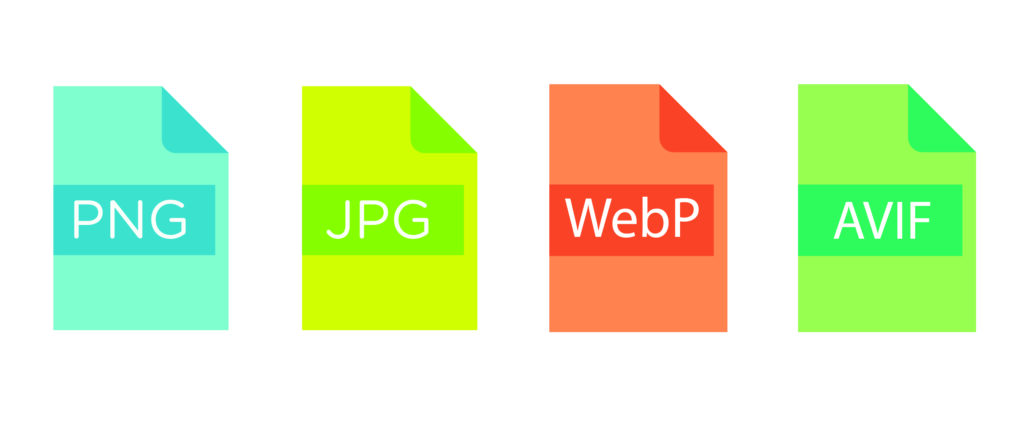
Different image formats serve different purposes.
Best for:
Advantages:

Best for:
Advantages:

WebP has become one of the best image formats for SEO.
Advantages:
Most modern browsers fully support WebP.
AVIF is even more efficient than WebP.
Benefits include:
Although adoption is increasing, not every browser fully supports AVIF yet.
SEO starts with excellent images.
Professional product photos should have:
Poor-quality images reduce customer trust regardless of SEO efforts.
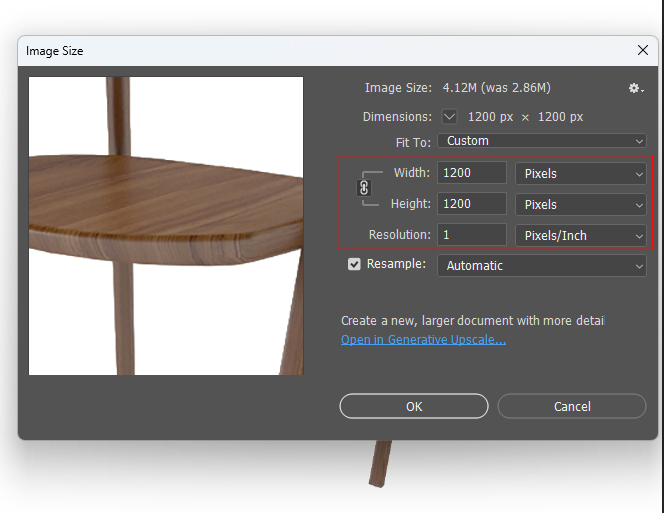
Uploading enormous images slows websites considerably.
Instead:
Typical recommendations:
Image compression is one of the most important SEO factors.
Compression reduces file size while maintaining visual quality.
Benefits include:
Aim to keep most product images under 200 KB whenever possible without noticeable quality loss.
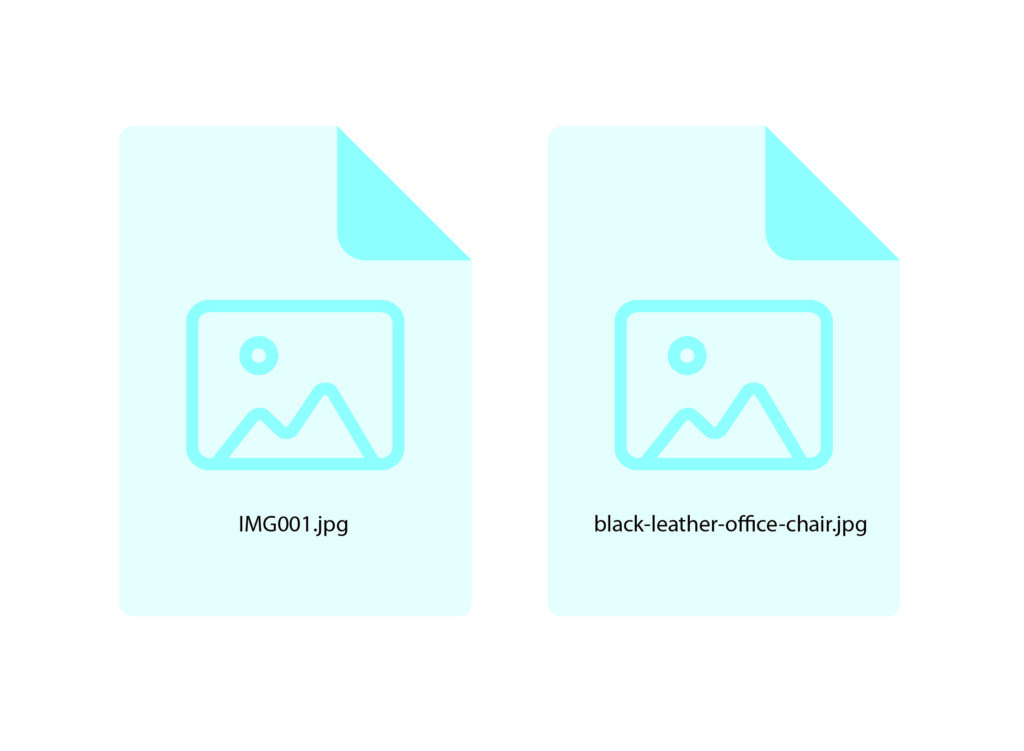
Never upload files like:
Instead, rename images using descriptive keywords.
Good examples:
Best practices:
Alt text is one of the strongest image SEO signals.
Good alt text should describe exactly what appears in the image.
Example:
Black leather office chair with adjustable armrests and ergonomic back support.
Avoid:
Each product image should have unique alt text.
Image titles appear when users hover over images in some browsers.
Example:
Ergonomic Office Chair – Black Leather
Titles have limited SEO value but may improve usability.
Responsive images ensure different devices download appropriately sized images.
Benefits include:
Modern HTML techniques like srcset and responsive image delivery help achieve this.
Lazy loading delays image loading until visitors scroll near them.
Advantages:
Most modern CMS platforms support lazy loading automatically.
Clean product images perform better for both users and marketplaces.
White backgrounds remain the standard for:
Professional background removal helps products stand out while maintaining compliance with marketplace guidelines.
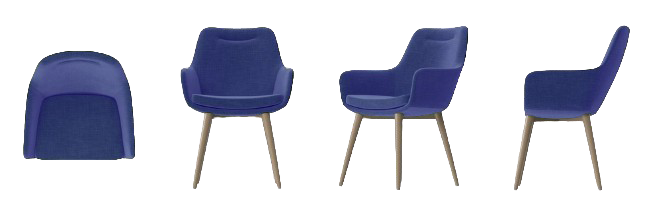
Google values comprehensive content.
Include:
More informative product galleries improve user engagement.
Captions provide additional context.
Example:
“Premium handmade leather wallet featuring RFID protection.”
Captions can strengthen topical relevance when used naturally.
Schema markup helps search engines understand product information.
Include:
Structured data increases eligibility for rich search results.
Google Images drives significant e-commerce traffic.
Best practices include:
Google also evaluates page authority and overall content quality.
Image optimization directly affects Google’s Core Web Vitals.
Important metrics include:
Optimize hero product images.
Specify image width and height.
Reduce unnecessary JavaScript affecting image loading.
A Content Delivery Network (CDN) distributes images from servers closer to visitors.
Benefits include:
Consistency builds professionalism.
Keep identical:
Professional editing ensures every product matches your brand identity.
Over 60% of online shopping now occurs on mobile devices.
Ensure images:
Mobile-first optimization directly supports SEO performance.
Avoid these frequent errors:
Correcting these issues can noticeably improve both rankings and user experience.
Professional image editing contributes to SEO in several indirect but impactful ways.
Services include:
Clean, polished images increase user engagement, reduce bounce rates, and encourage higher conversions—signals that support long-term SEO success.
At ClippingImages.com, we specialize in helping e-commerce businesses present products professionally while optimizing them for online performance.
Our experienced editing team delivers:
Whether you’re launching a new online store or managing thousands of SKUs, professionally optimized product images can strengthen your search visibility and improve customer confidence.
Product image optimization for SEO is no longer optional—it’s a critical component of a successful e-commerce strategy. By choosing the right file formats, compressing images, writing descriptive filenames and alt text, implementing structured data, and ensuring fast load times, you make it easier for search engines to understand and rank your content.
Combine these technical SEO practices with high-quality photography and professional editing, and your product pages become more discoverable, engaging, and conversion-focused. Investing in image optimization today can lead to sustained gains in organic traffic, better user experience, and increased sales for your online store.
1. What is product image optimization for SEO?
It is the process of improving product images through compression, proper file naming, alt text, responsive sizing, and fast delivery so they load quickly and rank better in search engines.
2. Which image format is best for e-commerce SEO?
WebP is generally the best choice because it offers excellent image quality with smaller file sizes. JPEG is also widely used for product photos, while PNG is ideal for transparent backgrounds.
3. Does alt text improve SEO?
Yes. Descriptive, unique alt text helps search engines understand image content, improves accessibility, and can increase visibility in Google Image Search.
4. What is the ideal file size for product images?
There is no universal limit, but keeping most product images under 200 KB while maintaining good visual quality is a strong target for fast-loading e-commerce pages.
5. Why should I use professional image editing services?
Professional editing ensures consistent, high-quality images with clean backgrounds, accurate colors, optimized dimensions, and web-ready files that enhance user trust, conversions, and overall SEO performance.