July 19, 2026
In today’s competitive e-commerce market, product photography plays a crucial role in influencing buying decisions. However, even the best camera and lighting setup cannot always capture colors exactly as they appear in real life. This is where color correction for product photography becomes essential.
Professional color correction ensures that every product image accurately represents the actual item, creating trust with customers while maintaining a consistent brand appearance across online stores, catalogs, and marketplaces. Whether you’re selling clothing, jewelry, electronics, furniture, cosmetics, or food products, properly corrected colors can significantly improve customer satisfaction and reduce product returns.
In this comprehensive guide, you’ll learn everything about color correction, why it matters, how professionals perform it, and why outsourcing this service can save businesses both time and money.
Color correction is the process of adjusting an image so that its colors closely match the real-life appearance of the product. The goal is not to make the image look overly edited but to ensure it looks natural, vibrant, and accurate.
Professional color correction typically includes:
Unlike artistic photo manipulation, color correction focuses on realism and accuracy.
Online shoppers cannot physically examine products before purchasing. They rely entirely on product images to judge quality, color, texture, and overall appearance.
Incorrect colors can lead to:
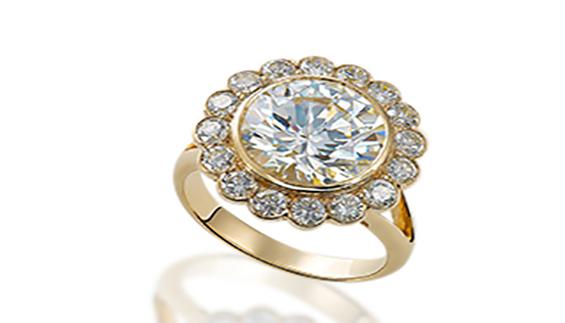
For example, if a navy-blue shirt appears black in photos or a gold ring looks yellow-orange, customers may receive something different from what they expected.
Accurate color representation creates confidence and encourages purchases.
Customers appreciate honest product images. Accurate colors help build credibility and encourage repeat purchases.
Many product returns happen because the received item looks different from the website photos. Color correction minimizes these issues.
Professional editing ensures every product follows the same visual style across your entire catalog.
Platforms like Amazon, Shopify, Etsy, Walmart, and eBay all favor clear, accurate product images.
Professional-looking product photos help shoppers make purchasing decisions faster.
Nearly every industry benefits from professional color correction.
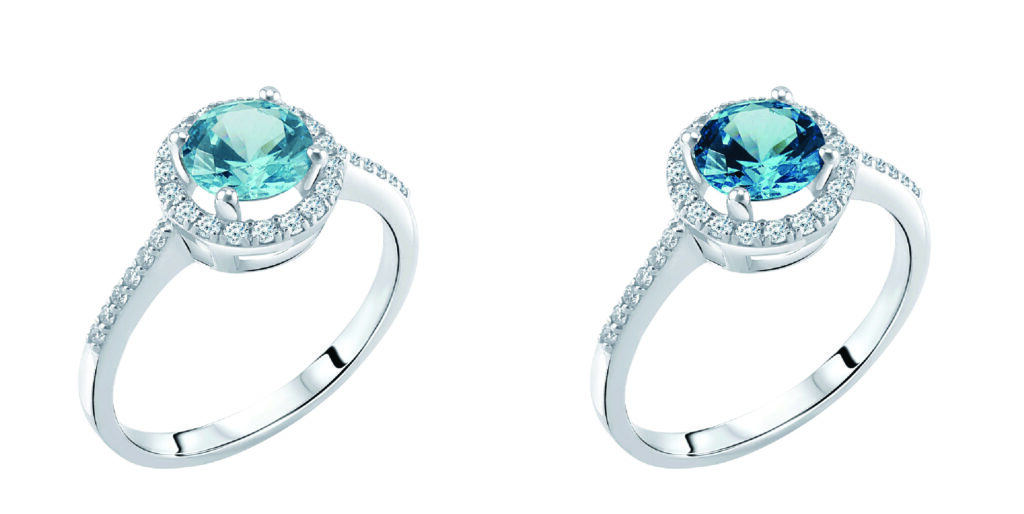
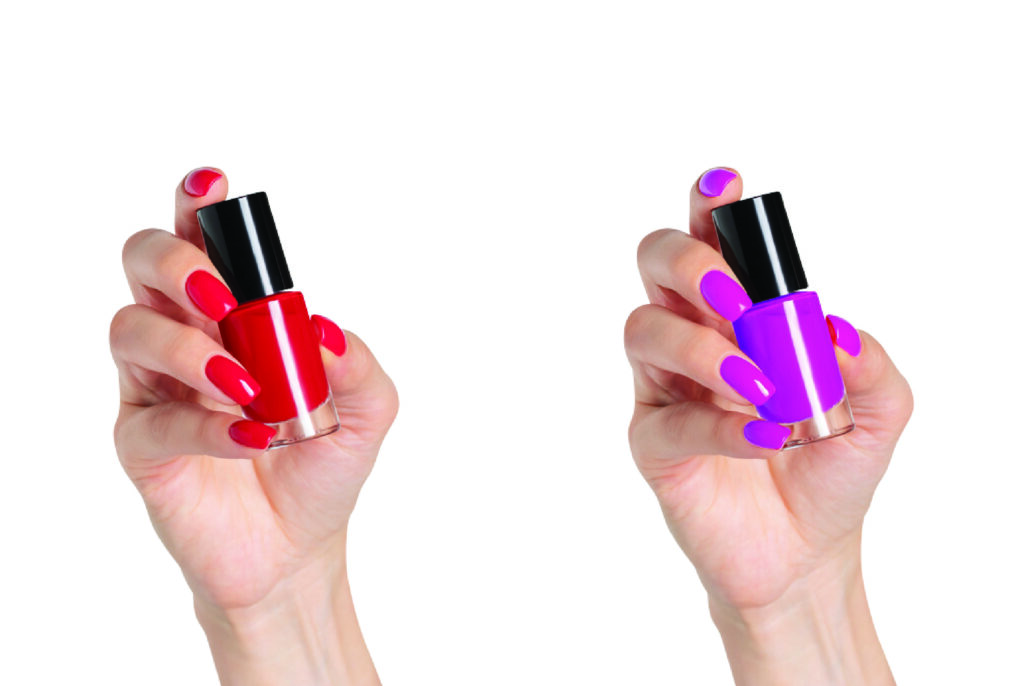
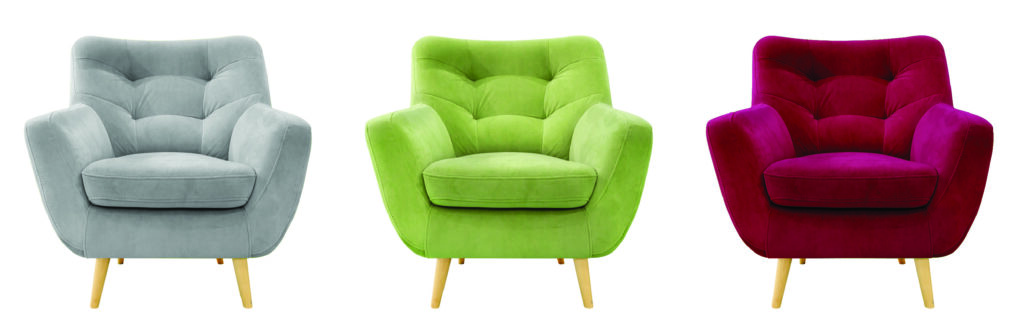
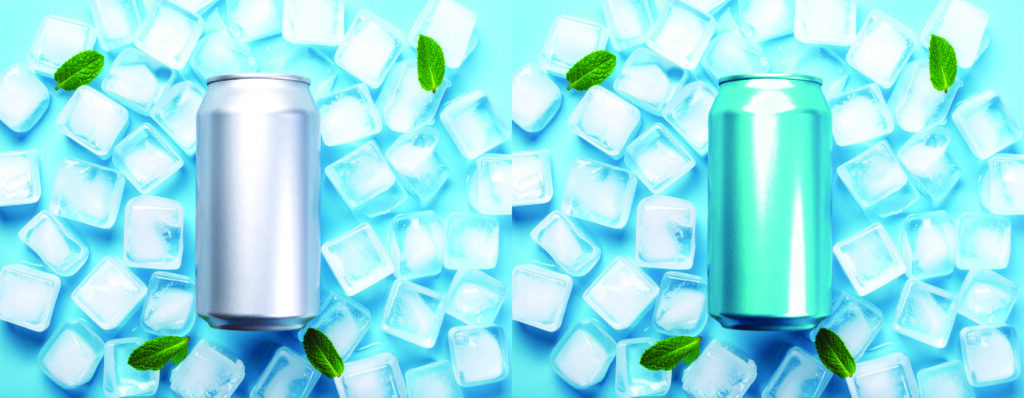
Even experienced photographers face color issues caused by lighting conditions, camera settings, or environmental factors.
Some common problems include:
Images may appear:
Correct white balance restores natural colors.
Underexposed images look dark, while overexposed images lose important details.
Colored lighting often creates unwanted tints over the entire image.
Examples include:
Colors become unrealistically vivid and misleading.
Low contrast causes products to appear dull and lifeless.
Professional editing restores depth and realism.
Professional editors follow a structured workflow for consistent results.
Editors examine:
Neutral whites are restored first since every other color depends on accurate white balance.
Brightness and shadows are balanced to reveal every product detail.
Proper contrast enhances depth without making the image appear artificial.
Each color channel can be adjusted independently for precision.
Examples include:
Editors eliminate unwanted lighting contamination while preserving natural tones.
If multiple images show the same product, all photos are matched for consistency.
Professional editors zoom in to inspect:
These terms are often confused but serve different purposes.
Purpose:
Create realistic and accurate colors.
Commonly used for:
Purpose:
Create artistic mood or cinematic effects.
Commonly used for:
For product photography, color correction is generally the preferred approach because customers expect realistic representations.
Professional editors rely on industry-standard software.
Ideal for:
Perfect for:
Popular among professional photographers because of its exceptional color rendering and tethered shooting capabilities.
A cost-effective alternative with powerful color editing tools.
Choosing the correct color space is essential for consistent results.
Recommended for:
Offers a wider color gamut and is commonly used for professional editing and print workflows.
Used in advanced editing pipelines where maximum color information is required.
For most online businesses, exporting images in sRGB ensures colors display consistently across devices and browsers.
Even perfect edits become inaccurate if the monitor displays colors incorrectly.
Professional editors calibrate their monitors using hardware calibration tools to ensure what they see matches real-world colors.
Benefits include:
Large e-commerce stores often have thousands of products.
Instead of editing every image manually, professionals use batch workflows while still performing manual adjustments when needed.
Batch editing helps maintain:
This approach is especially useful for fashion retailers, wholesalers, and marketplaces with extensive inventories.
Many businesses outsource color correction to specialized editing companies.
Examples include:
Outsourcing allows businesses to focus on sales, marketing, and customer service while experts handle image enhancement.
Professional editors offer advantages that automated software often cannot match.
These include:
This level of expertise is especially valuable for products with reflective surfaces, intricate textures, or subtle color variations.
Editing works best when the original photo is well captured.
Follow these tips:
High-quality source images reduce editing time and produce better final results.
At Clipping Images, we understand that every product deserves accurate and visually appealing presentation. Our professional editors combine advanced editing techniques with meticulous attention to detail to ensure your images reflect the true colors and quality of your products.
Our services include:
Whether you manage a growing online store or a large-scale e-commerce operation, our team delivers consistent, high-quality results with quick turnaround times and competitive pricing.
The turnaround depends on image complexity and volume. Individual images may take only a few minutes, while large catalogs can be completed within agreed project timelines.
Yes. Accurate product colors help customers know exactly what to expect, reducing returns caused by color discrepancies.
Absolutely. Accurate, professional product photos improve buyer confidence and help meet marketplace image quality expectations.
Automatic tools apply generalized adjustments, while manual editing allows experts to fine-tune each image for greater accuracy and consistency.
RAW files provide the greatest flexibility for professional color correction because they retain more image data than compressed formats.
Color correction is far more than a cosmetic enhancement—it’s a vital part of professional product photography that directly impacts customer trust, brand reputation, and online sales. Accurate colors ensure shoppers receive products that match their expectations, helping reduce returns and strengthen long-term customer relationships.
Whether you’re an e-commerce seller, photographer, marketing agency, or global retailer, investing in professional color correction can elevate the quality of your product catalog and set your brand apart from the competition. By combining skilled editing, calibrated workflows, and consistent quality standards, you can create images that inspire confidence and drive conversions.
If you’re looking for dependable, high-quality image editing, Clipping Images is ready to help you present every product at its very best with precise, natural, and marketplace-ready color correction services.