When it comes to creating clean, professional, and market-ready product images, clipping path services play a crucial role. Whether you’re an eCommerce seller, photographer, or marketing agency, outsourcing clipping paths can save time, reduce workload, and ensure perfect image cutouts.
But to get the best results, your photos need to be prepared properly before sending them to a clipping path service provider. Poorly prepared images can lead to delays, increased costs, or unsatisfactory results.
In this guide, we’ll walk you through how to prepare your photos for clipping path services step-by-step, so you can enjoy faster turnaround times, higher-quality cutouts, and smooth communication with your editing team.
Before preparing your files, it’s important to understand what clipping path services actually do.
A clipping path is a vector outline drawn around an object to separate it from its background. This allows you to remove the background entirely, replace it with a new one, or create transparent backgrounds for web and print use.
These services are essential for:
Knowing this helps you prepare images in a way that makes the editor’s job easier — and ensures you get exactly what you expect.
The quality of your original photo directly impacts the quality of the final clipping path result. Low-resolution images make it harder to draw precise outlines, often resulting in jagged or blurry edges.
Best practices for resolution:
A high-resolution photo gives the clipping path specialist more pixels to work with, resulting in cleaner, sharper edges.
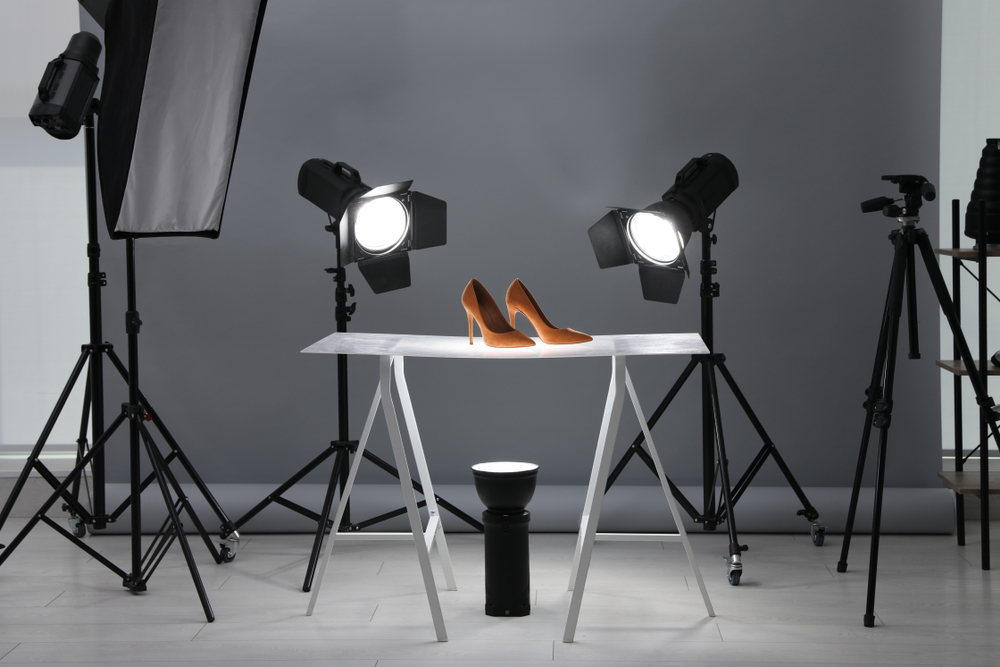
Good lighting helps define the edges of your subject clearly. Shadows, harsh highlights, or poor illumination can make clipping paths more difficult and less accurate.
Lighting tips:
When the subject is well-lit, the editor can see the contours clearly, leading to faster and more accurate cutouts.
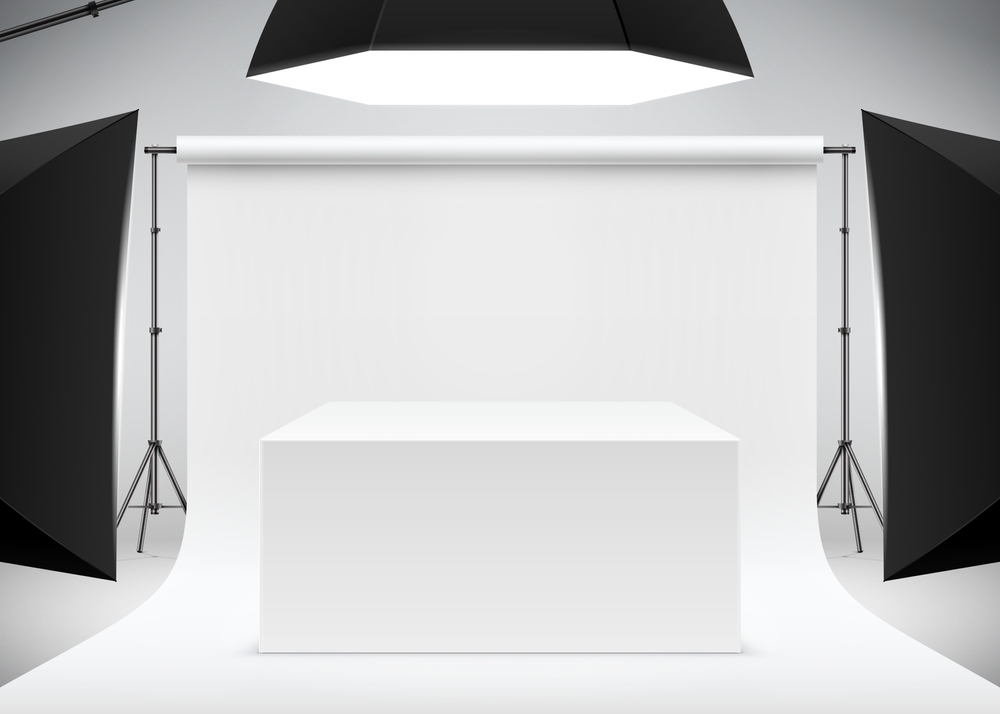
While clipping paths can remove almost any background, starting with a simple, contrasting background makes the process smoother and more cost-effective.
A clean background also means fewer extra charges for complex editing.
Blurry edges make it hard to draw precise clipping paths. Always ensure your subject is sharp and well-defined.
Focusing tips:
If the subject’s edges are crisp, the clipping path can be drawn more accurately.
When taking or preparing your photos, avoid cropping too close to the subject. Editors need some breathing room-around the object to create smooth, natural edges.
This extra space ensures the clipping path team has enough image area to work with.
Well-organized files save time and reduce miscommunication.
File organization tips:
When the editing team receives neatly organized files, they can work more efficiently, meaning faster delivery times for you.
The more details you provide, the better your clipping path results will match your expectations.
Information to include:
You can even send sample images showing exactly what you want.
For best results, provide your images in high-quality formats:
Avoid overly compressed or low-quality images, as they lose detail and make clipping harder.
Physical products like jewelry, glassware, or electronics can have dust, fingerprints, or scratches that show up in photos. While these can be removed during retouching, it’s better to clean the product before shooting.
This saves you extra editing costs and ensures a more professional result.
If you’re sending hundreds of images for clipping paths, grouping similar shots together helps the editing team work faster and more consistently.
For example:
Batch processing reduces costs and turnaround time.
Many businesses combine clipping path services with other edits, such as:
If you need these, mention them upfront so they can be done in the same workflow, saving both time and money.
Before sending hundreds of files, do a test run with a few images. This helps you:
This step can save a lot of time and prevent costly mistakes.
Good communication is key to successful clipping path work. Always:
A clear workflow between you and your clipping path service provider ensures a smooth process and professional results.
By following these preparation steps, you’ll enjoy:
Final Thoughts
Clipping path services are an essential tool for creating professional, market-ready images. But the quality of the final result depends heavily on the quality and preparation of your original photos.
By shooting with good lighting, using high resolution, keeping subjects in focus, and clearly communicating your requirements, you’ll make the clipping path process faster, more cost-effective, and more precise.
At ClippingImages.com, we work with thousands of eCommerce sellers, photographers, and marketing agencies to deliver perfectly cut-out images — every time. Send us your prepared photos today, and see how much better your product images can look!
Email: info@clippingimages.com
Website: www.clippingimages.com
Phone: +8801714093020