July 26, 2026
In today’s highly competitive digital marketplace, high-quality product images can make the difference between a sale and a missed opportunity. Whether you’re an e-commerce business owner, professional photographer, or creative agency, presenting clean, distraction-free images is essential. One of the most important image editing techniques used to achieve this is the clipping path in Photoshop.
But what exactly is a clipping path, how does it work, and why is it so valuable for businesses selling products online?
This comprehensive guide explains everything you need to know about clipping paths in Photoshop, their benefits, common applications, limitations, and why outsourcing clipping path services can save both time and money.
A clipping path is a vector-based outline created around an object using the Pen Tool in Adobe Photoshop. This outline isolates the subject from its background, allowing editors to remove, replace, or edit the background without affecting the object itself.
Unlike automatic background removal tools, a clipping path is created manually with precision. This makes it ideal for professional product photography where every edge matters.
For example, if you photograph a pair of shoes against a white backdrop, a clipping path allows you to:
Because the path is vector-based, it follows the exact edges of the object, producing clean and accurate selections.
Professional image presentation significantly influences customer buying decisions.
Poorly edited images can:
A professionally created clipping path ensures products look polished and ready for commercial use.
Benefits include:
The clipping path process is completely manual.
An editor carefully zooms into the image and uses Photoshop’s Pen Tool to place anchor points around the object’s edges.
These points are connected by vector curves that perfectly follow the contours.
Once completed, the path can be converted into a selection, allowing the editor to:
Since the path is vector-based, it produces much cleaner edges than many automated tools.
Although Photoshop contains several selection tools, professionals almost always rely on the Pen Tool.
Common tools include:
The industry standard for precise clipping paths.
Best for:
Used to adjust anchor points for better accuracy.
Allows editors to move or edit completed paths.
Essential for accurately tracing tiny details.
Different products require different levels of complexity.
Suitable for objects with simple shapes.
Examples:

Objects with a few curves.
Examples:
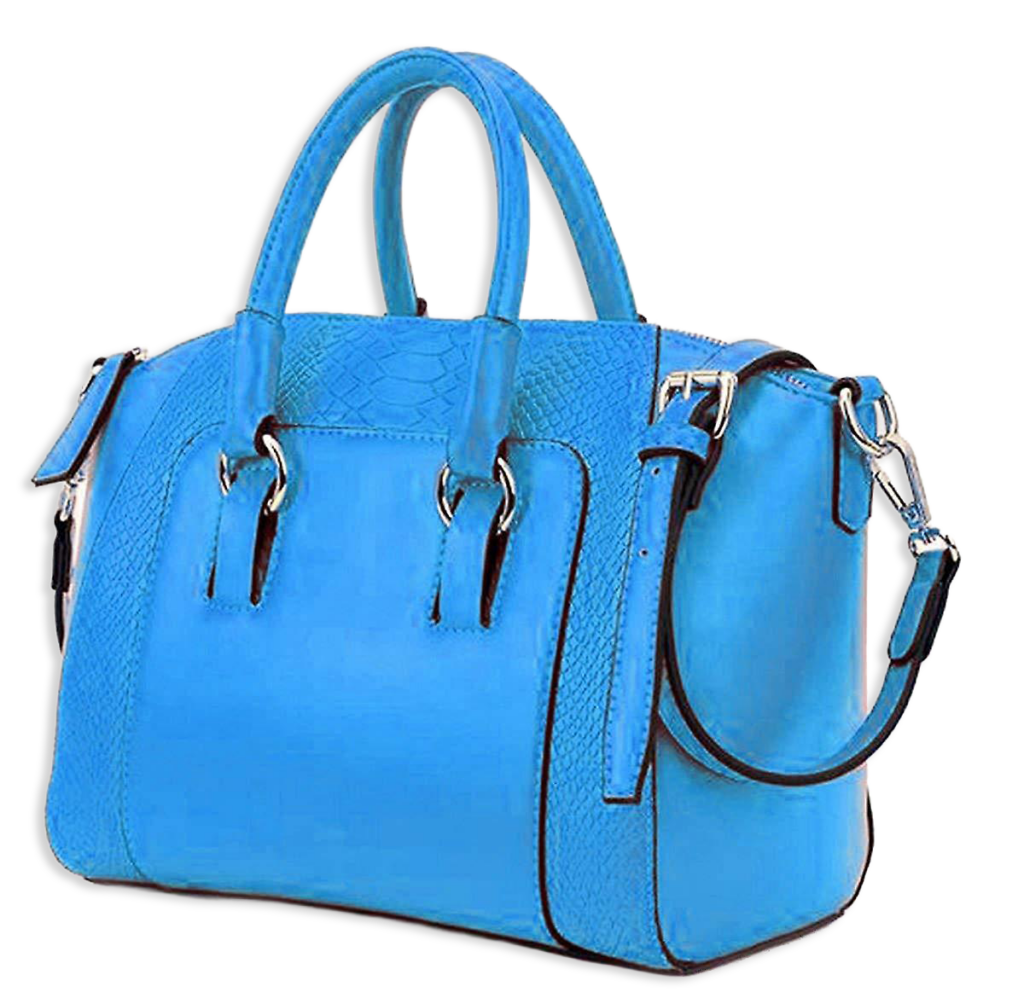
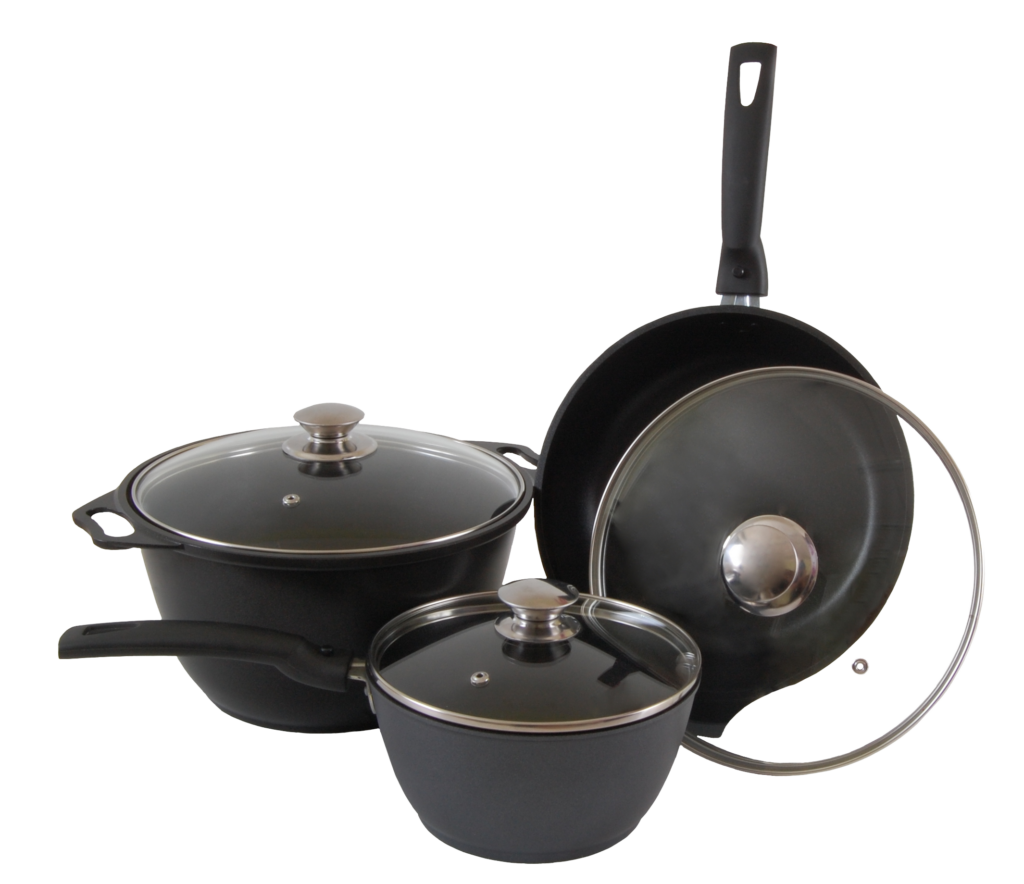
Objects with multiple curves and holes.
Examples:
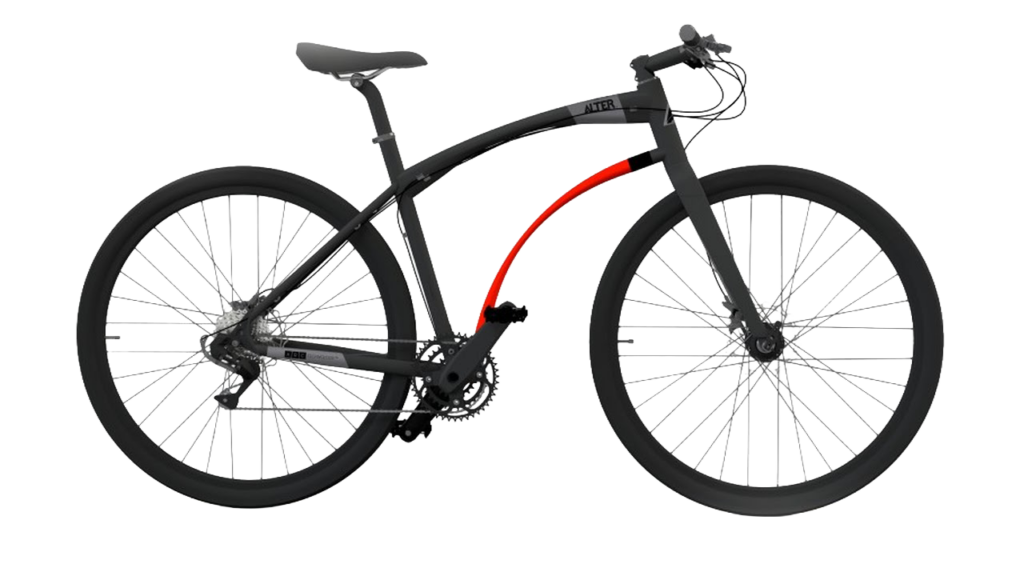
Highly detailed products requiring many anchor points.
Examples:
Extremely intricate products.
Examples:

Creates several separate paths within one image.
Useful for:
Nearly every visual industry depends on clipping paths.
Online stores need consistent product images.
Popular platforms include:
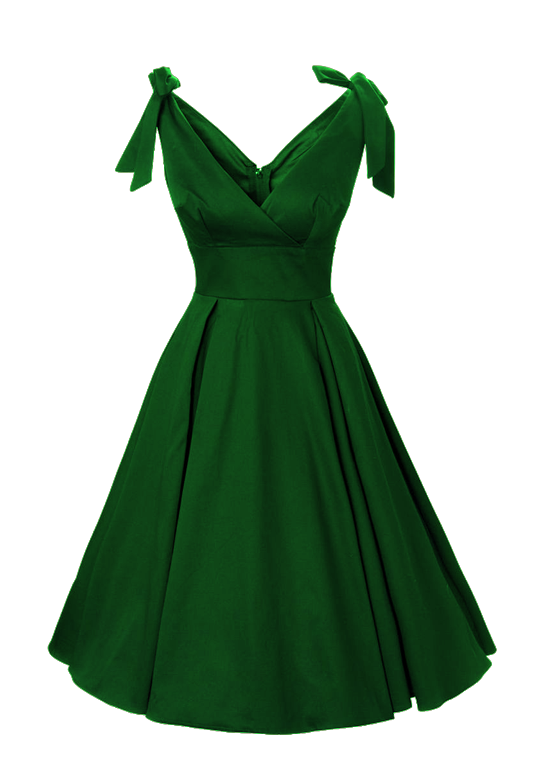
Fashion retailers use clipping paths for:
Jewelry images require extremely accurate edge selection.
Clipping paths help preserve:
Furniture retailers use clipping paths for:
Professional photographers use clipping paths to deliver polished client images.
Creative agencies need isolated images for:
Many AI background removal tools are available today, but manual clipping paths remain the preferred choice for professionals.
Every edge is traced manually.
No jagged edges or missing sections.
Products appear more realistic and premium.
Switch between white, transparent, or custom backgrounds.
Supports advanced retouching and image enhancement.
Many people confuse these terms.
May use:
While automated methods are faster, they often struggle with complex edges, reflections, and fine details.
Both techniques isolate objects but serve different purposes.
Best for:
Best for:

Professional editors often combine both methods.
Businesses use clipping paths for many purposes.
Remove distracting backgrounds.
Meet marketplace image requirements.
Maintain consistent product presentation.
Place products into creative scenes.
Create eye-catching promotional graphics.
Design packaging with isolated products.
Combine multiple products in one layout.
Thousands of products benefit from clipping path editing.
Examples include:

Professional editors generally follow these steps:
Open the image in Photoshop.
Zoom into the object.
Select the Pen Tool.
Create anchor points around the object.
Complete the path.
Convert the path into a selection.
Remove or replace the background.
Export the image in the required format.
Artificial intelligence has improved significantly, but manual editing still offers unmatched precision.
Manual clipping paths provide:
This is especially important for luxury products where every detail affects customer perception.
Professional editors often encounter challenging objects.
Examples include:
These require experience, patience, and attention to detail.
To achieve the highest quality:
For businesses processing hundreds or thousands of product images, outsourcing is often the most cost-effective solution.
Professional clipping path companies provide:
This allows photographers, online retailers, and agencies to focus on growing their business instead of spending hours on manual editing.
At ClippingImages.com, we specialize in delivering accurate, hand-drawn clipping path services tailored to the needs of e-commerce businesses, photographers, and creative agencies.
Our services include:
Every image is edited manually by experienced Photoshop professionals to ensure exceptional quality and consistency.
Whether you need a few images or thousands, we provide scalable solutions with quick turnaround times and competitive pricing.
A clipping path in Photoshop is much more than a simple background removal technique. It is a professional image editing process that ensures clean, accurate, and visually appealing product images for online stores, catalogs, advertising campaigns, and marketing materials.
While automated tools can be useful for quick edits, they rarely match the precision of a hand-drawn clipping path. Businesses that invest in professional image editing often enjoy stronger brand credibility, improved customer trust, and higher conversion rates.
If you’re an e-commerce seller, photographer, or agency looking to showcase products with flawless presentation, investing in professional clipping path services is a smart decision that delivers long-term value.
By partnering with ClippingImages.com, you can ensure your product images meet the highest industry standards, helping your brand stand out in today’s competitive digital marketplace.