October 15, 2026
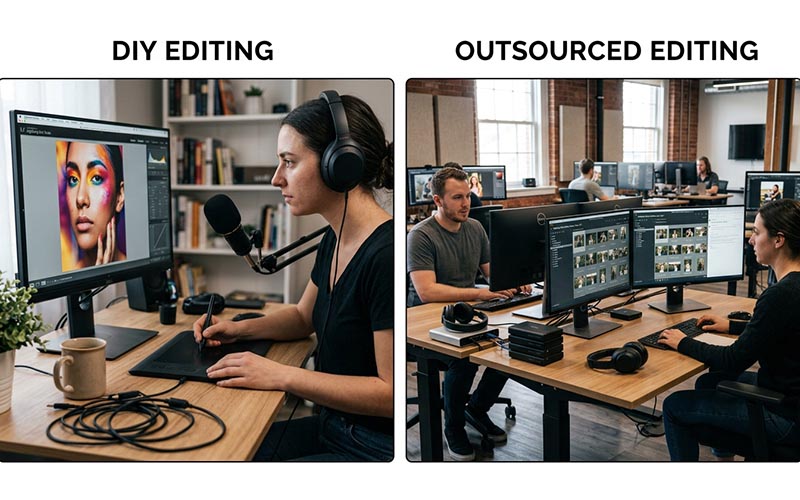
A business can edit product photos in-house with desktop software, mobile apps, or automated tools—or send them to a professional editing team. Neither option is automatically right for every company. The best choice depends on image complexity, order volume, available skills, deadlines, and the level of consistency your brand requires. A founder launching ten products may have very different needs from a retailer preparing thousands of images each season. Understanding the trade-offs helps you spend time and money where they have the greatest effect.

DIY editing gives a team direct control over every image. You can make a quick crop, adjust exposure, remove a simple background, or prepare a small number of images without coordinating with an outside provider. This can be practical for early-stage businesses, occasional updates, and products that need only basic corrections.
DIY work can also help a team learn its own visual standards. When the person editing understands the product and brand, small decisions may be faster. However, software access is only one part of the equation. Good results still require knowledge of selection edges, color management, retouching, export settings, and quality control.
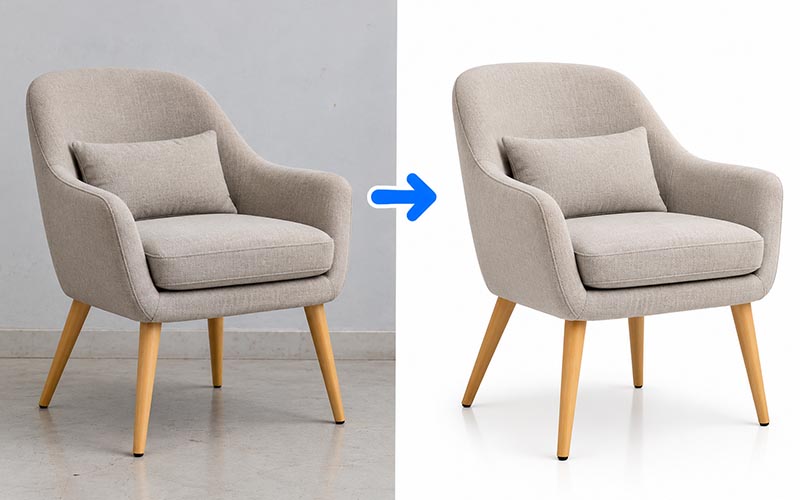
The main cost of DIY editing is often staff time rather than software. Someone must learn the tools, edit each image, check the result, organize files, and correct mistakes. As the catalog grows, this work can compete with merchandising, customer support, marketing, and product development.
Estimate the full time per image, including setup, editing, export, review, and rework. Multiply that by your typical monthly volume and compare it with the time available. A task that feels manageable for twenty images may become a bottleneck for hundreds. It is also worth considering the cost of training and maintaining a consistent process when several employees share the work.
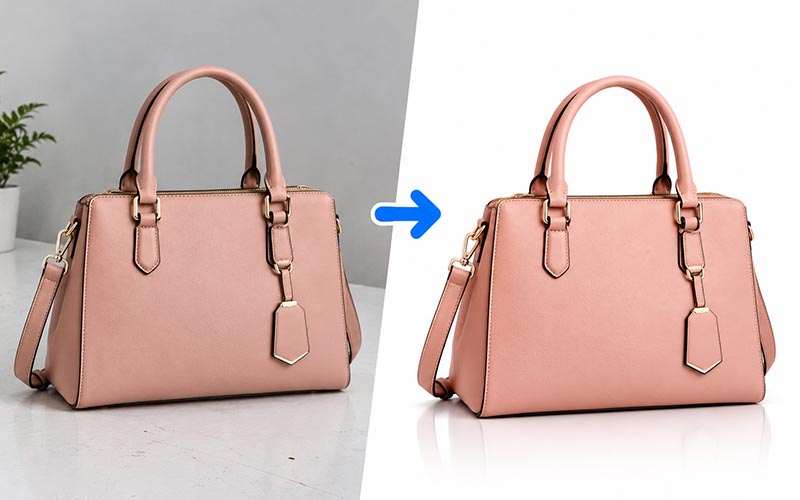
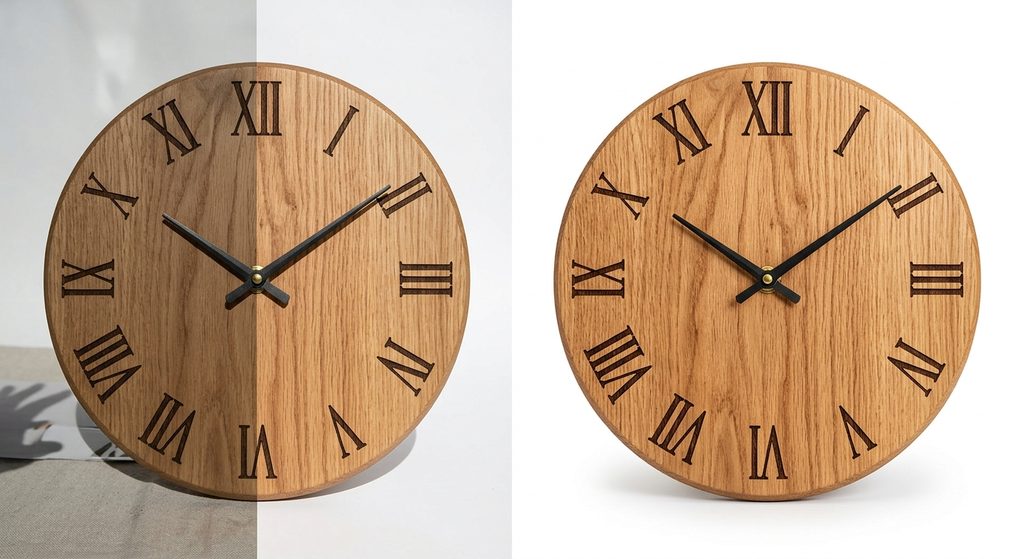
Professional editing is particularly useful when images have complex edges, reflective surfaces, transparent objects, jewelry details, apparel folds, or demanding retouching requirements. An experienced editor may handle these cases more consistently than a generalist who edits only occasionally. Outsourcing can also help a team process a large batch during a launch or seasonal rush.
Professional support is not just about making images look attractive. It can create repeatable outputs across a catalog, follow a defined brief, and free internal staff to focus on core business tasks. The value depends on the provider’s actual results, so test the service using representative images before moving a large workload.
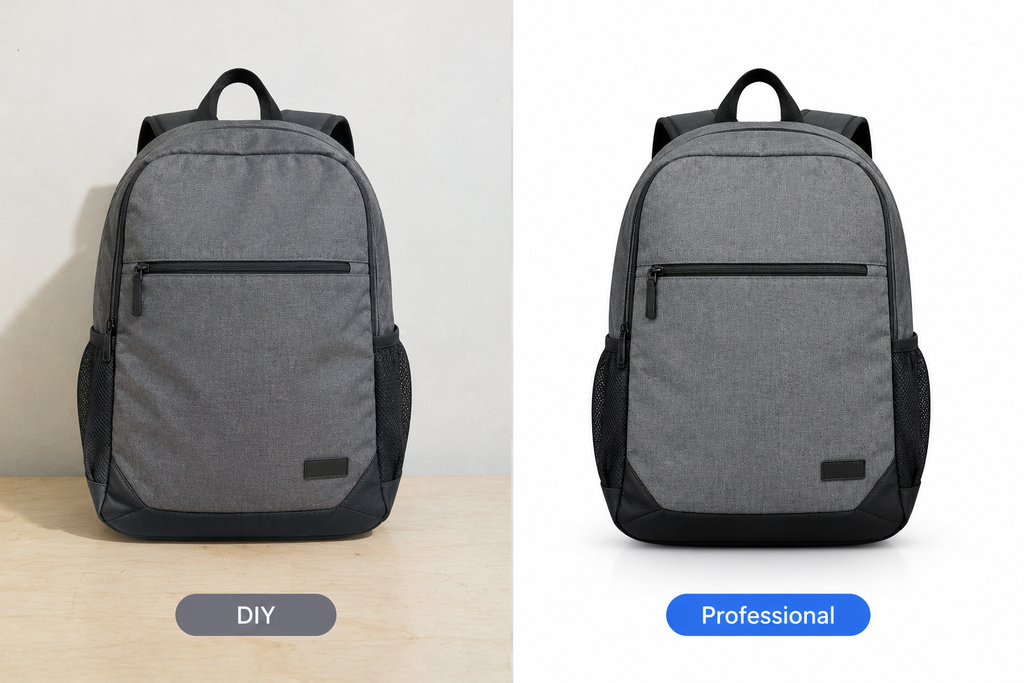
DIY work may vary when several team members use different techniques or when images are edited over months without a shared style guide. Professional editing can improve consistency if the provider follows clear specifications and uses a repeatable workflow. Neither approach guarantees consistency by itself; standards and review are still essential.
Keep brand control by supplying reference images, exact output dimensions, background requirements, and rules about product color. A provider should not change the real appearance of an item in ways that could mislead shoppers. Review edited images at both normal viewing size and close zoom, especially around edges and fine details.
Many businesses do not need to choose only one approach. A hybrid workflow can keep simple tasks in-house and send complex or high-volume work to specialists. For example, an internal team might select images, rename files, make basic exposure adjustments, and handle urgent one-off changes, while a professional provider manages detailed masking, clipping paths, or bulk retouching.
Create clear rules for which images stay in-house and which are outsourced. The decision may depend on complexity, volume, deadline, and business importance. A hybrid model can preserve control without forcing every image through the same expensive process.
Select a representative batch and record how long DIY editing takes, how many corrections are needed, and what the final images look like. Then compare that with a professional test using the same brief. Include communication time, delivery, revisions, and file management in the comparison.
Choose the approach that meets your required quality level at a sustainable total cost. Revisit the decision when volume changes, new product categories appear, or your team gains new skills. A flexible process is usually more useful than a permanent rule that every image must be handled the same way.
Before the work begins, translate your expectations into instructions that can be followed consistently. State the objective, required output, technical specifications, and any details that must remain unchanged. Include representative examples and identify unusual images that may need special handling. A concise brief is more useful than a long request that leaves important decisions open to interpretation.
Ask the person completing the work to raise questions before processing a full batch. Confirm assumptions about edge treatment, color, crop, naming, file format, and revision rules. This small alignment step can prevent large amounts of rework and create a reference that can be reused for future projects.
A frequent mistake is to focus on the finished image while overlooking the process that produces it. Unclear filenames, inconsistent source files, missing references, and late changes to the brief can cause errors even when the editing itself is strong. Establish a predictable way to submit files, communicate changes, approve samples, and receive final outputs.
Another mistake is to judge a provider or method using only one easy image. Include representative examples and assess the output as a group. Check both visual quality and delivery accuracy, and record issues in a way that makes them easy to correct. A consistent workflow makes problems easier to identify before they spread across an entire project.
Before approving delivery, check the image against the original brief. Confirm that the subject is intact, important details remain visible, the color and crop are appropriate, and there are no distracting edges or artifacts. Verify file dimensions, formats, naming, and the number of files received. A visual review and a technical file check catch different types of errors, so both should be part of the process.
Use the checklist proportionately. High-value, complex, or campaign-critical images may need a full review, while routine items can be reviewed through a consistent sampling process once the workflow is proven. If an error appears repeatedly, increase inspection and update the instructions until the issue is resolved.
Do not treat the first delivery as the only measure of success. Over several projects, track recurring corrections, turnaround reliability, communication quality, and the amount of internal time required to prepare or fix files. These observations provide a more realistic view of the process than a single successful example.
Use the results to make targeted improvements. If errors cluster around one image type, provide better reference material or adjust the technique. If files are frequently misplaced, revise the naming process. Regular, practical reviews help keep the workflow aligned with changing products, catalog size, and business priorities.
It may have lower direct costs, but staff time, training, and rework should be included in the comparison.
They can handle many straightforward tasks, but complex edges, reflections, and detailed retouching may still need manual review.
Consider outsourcing when volume, complexity, deadlines, or inconsistent results make in-house editing difficult to manage.
Yes. Many businesses keep simple tasks in-house and outsource specialized or high-volume work.
Choosing the right approach to professional product photo editing starts with a clear understanding of your images, quality expectations, deadlines, and workflow. Define the result you need, use representative examples, and review the output against consistent standards. A practical process helps your team avoid preventable revisions and make better decisions as image volume grows. Revisit your workflow periodically so it continues to fit your products, customers, and business goals.
ClippingImages.com offers photo editing services that may fit selected parts of a hybrid workflow. Define the task, output requirements, and expected volume before requesting a quote or test.
Suggested filename: diy-vs-professional-product-photo-editing-clippingimages.jpg
Suggested alt text: Professional guidance about professional product photo editing for e-commerce and photography businesses.