November 8, 2026
Bulk photo editing can help a retailer or photography business process a large image catalog more efficiently. But when hundreds of files move through a production workflow, small mistakes can multiply. Inconsistent crops, incorrect filenames, color shifts, rough edges, or missing images may create extra work just when a team needs speed. The answer is not simply to inspect every image manually forever. It is to create clear standards, organize files properly, test the workflow, and use risk-based quality checks that catch problems early.
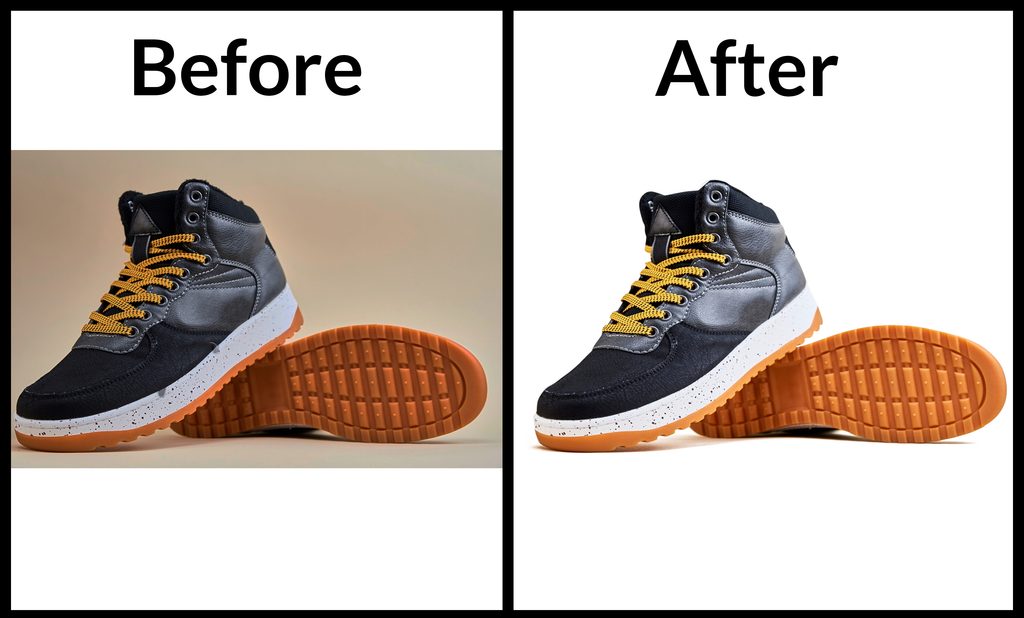
Write down the expected result before submitting a batch. Specify background color, crop, margins, output dimensions, file type, color requirements, shadow style, retouching limits, and any platform-specific needs. Explain what must remain unchanged, especially product shape, labels, material texture, and real-world color.
Use reference images to show both acceptable and unacceptable outcomes. A written rule such as keep a natural shadow may be interpreted differently by different editors; a visual example can clarify the desired strength and direction. If the catalog contains several product types, define separate instructions for each category rather than relying on one generic brief.

File organization is a quality issue, not just an administrative detail. Use stable filenames that include SKU or product identifiers and keep those identifiers through delivery. Separate batches by product category or editing style where necessary. Maintain a manifest or spreadsheet showing which files were submitted and which outputs were received.
Send original files at the best available quality and avoid unnecessary compression. Confirm how folders and subfolders should be preserved. Before production begins, test the naming and delivery process with a small group of files so mistakes can be corrected before the full catalog is processed.
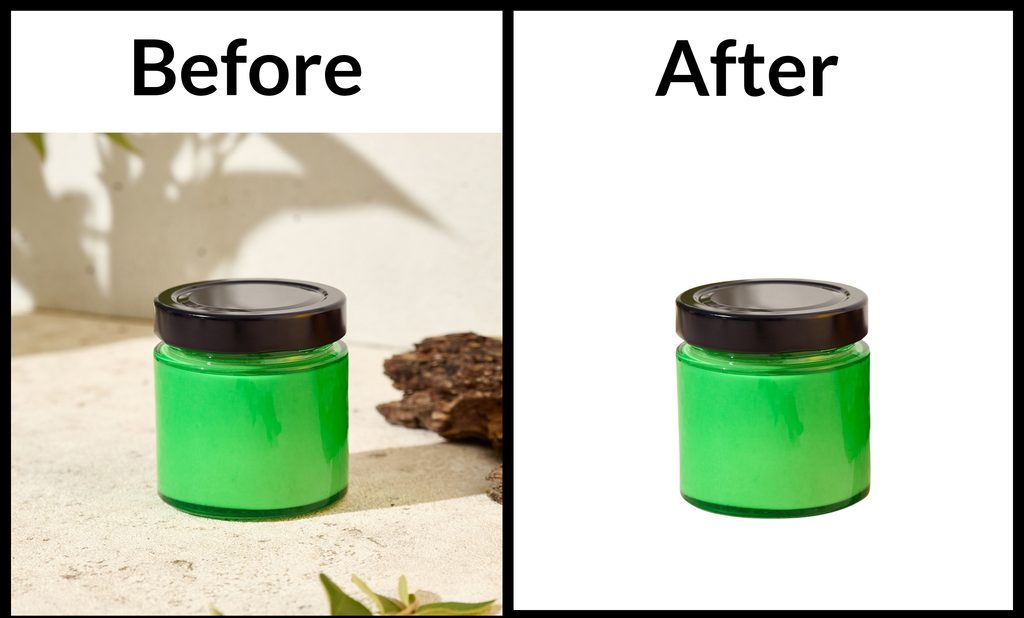
Select a test group that includes simple, typical, and difficult images. The sample should represent the actual workload, not only the easiest products. Review edge detail, color accuracy, cropping, shadows, texture, and consistency across different items. Approve the style only after the results meet the written standard.
Use the approved sample as a reference for the rest of the batch. If your brand style changes, update the brief and approve a new reference rather than assuming an editor will infer the difference. Sample approval reduces ambiguity and gives reviewers a clear benchmark.
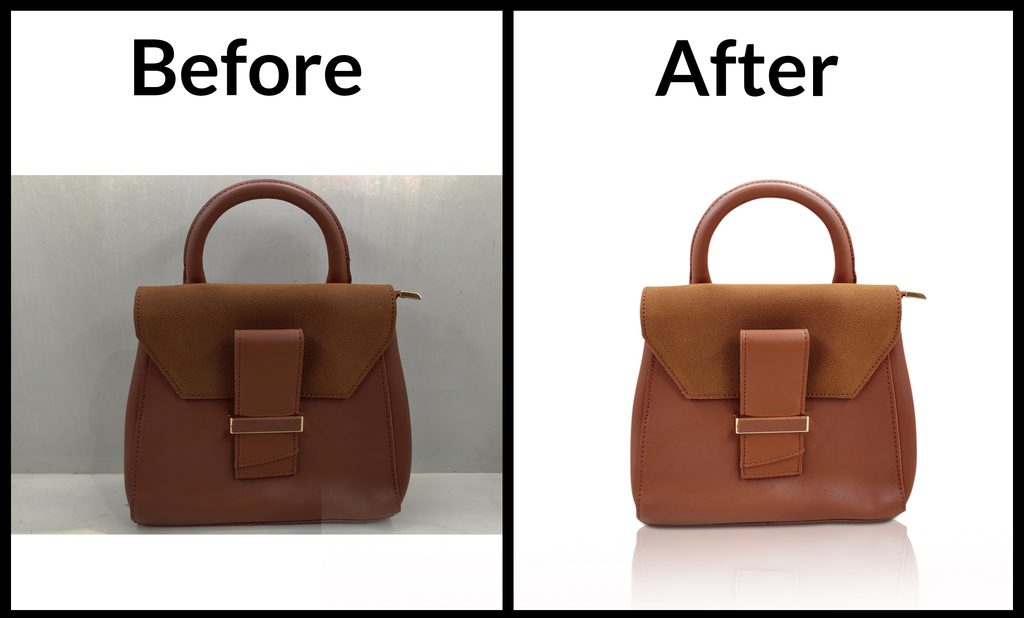
Checking every image may be necessary for high-value or sensitive products, but it can be inefficient for every routine file. A risk-based process can inspect all critical images and a meaningful sample from standard batches. Increase inspection when the batch contains a new product category, a new editing method, or a higher-than-normal error rate.
Check images at normal viewing size and zoom in on areas likely to reveal errors. Look for halos, jagged edges, missing details, incorrect colors, inconsistent margins, and unnatural shadows. Also verify technical requirements such as file dimensions, format, naming, and count. Visual quality and file accuracy are separate checks, and both matter.
Feedback should identify the exact problem and the expected correction. Instead of saying that the image is not right, point out the rough edge on the left side, the missing opening in the handle, or the inconsistent crop. Group similar corrections so the same issue can be fixed across multiple files.
Track recurring defects and determine whether they come from unclear instructions, a software issue, a rushed review, or a misunderstanding of the style. Update the process to prevent repeat mistakes. Agree in advance how revision requests are submitted and how changes to the original brief are handled.
Fast delivery is valuable only if the images are usable. Track on-time completion, error frequency, revision rate, missing files, and the amount of internal correction required. These measures provide a more balanced picture of production performance than turnaround alone.
Review results after each major batch and adjust capacity or instructions when necessary. If the workload grows, consider dividing it into manageable stages with checkpoints. A repeatable workflow helps teams scale while keeping quality standards visible and measurable.
Before the work begins, translate your expectations into instructions that can be followed consistently. State the objective, required output, technical specifications, and any details that must remain unchanged. Include representative examples and identify unusual images that may need special handling. A concise brief is more useful than a long request that leaves important decisions open to interpretation.
Ask the person completing the work to raise questions before processing a full batch. Confirm assumptions about edge treatment, color, crop, naming, file format, and revision rules. This small alignment step can prevent large amounts of rework and creates a reference that can be reused for future projects.
A frequent mistake is to focus on the finished image while overlooking the process that produces it. Unclear filenames, inconsistent source files, missing references, and late changes to the brief can cause errors even when the editing itself is strong. Establish a predictable way to submit files, communicate changes, approve samples, and receive final outputs.
Another mistake is to judge a provider or method using only one easy image. Include representative examples and assess the output as a group. Check both visual quality and delivery accuracy, and record issues in a way that makes them easy to correct. A consistent workflow makes problems easier to identify before they spread across an entire project.
Before approving delivery, check the image against the original brief. Confirm that the subject is intact, important details remain visible, the color and crop are appropriate, and there are no distracting edges or artifacts. Verify file dimensions, formats, naming, and the number of files received. A visual review and a technical file check catch different types of errors, so both should be part of the process.
Use the checklist proportionately. High-value, complex, or campaign-critical images may need a full review, while routine items can be reviewed through a consistent sampling process once the workflow is proven. If an error appears repeatedly, increase inspection and update the instructions until the issue is resolved.
Do not treat the first delivery as the only measure of success. Over several projects, track recurring corrections, turnaround reliability, communication quality, and the amount of internal time required to prepare or fix files. These observations provide a more realistic view of the process than a single successful example.
Use the results to make targeted improvements. If errors cluster around one image type, provide better reference material or adjust the technique. If files are frequently misplaced, revise the naming process. Regular, practical reviews help keep the workflow aligned with changing products, catalog size, and business priorities.
Use a written style guide, approved reference images, stable filenames, and a repeatable review process.
Inspect all critical images and use a meaningful sample for routine batches, increasing checks when risks or error rates rise.
Common causes include unclear instructions, inconsistent naming, complex images, rushed reviews, and poor file organization.
Give specific feedback, group recurring issues, and update the brief to prevent the same mistake in future batches.
Choosing the right approach to bulk photo editing starts with a clear understanding of your images, quality expectations, deadlines, and workflow. Define the result you need, use representative examples, and review the output against consistent standards. A practical process helps your team avoid preventable revisions and make better decisions as image volume grows. Revisit your workflow periodically so it continues to fit your products, customers, and business goals.