
G
E
T
Q
U
O
T
E
info@clippingimages.com
USA:+12135718983
BD:+88-01714093020
Login
contact us
Home
Image Editing
Open menu
Background Remove from image
Clipping Path
Background Removal
Multi-clipping Path
Shadow Creation
Photo Masking
Ghost Mannequin
Professional photo retouching
Photo Retouching
Photo Restoration
Color Correction
Professional photo editing
Photo Editing
Real Estate Photo Editing
E-Commerce Photo Editing
The Color Lab Photo Editing
The Fantasy Fashion Photo Editing
Image Manipulation
Vector illustration
Raster to Vector
Logo Design
Video Editing
Open menu
E-commerce video editing service
Free Trial
Video
Prices
Contact
Blog
Upload Files
Contact Info
USA:+12135718983
info@clippingimages.com
Blog
Home
Blog
Photoshop Type Essentials
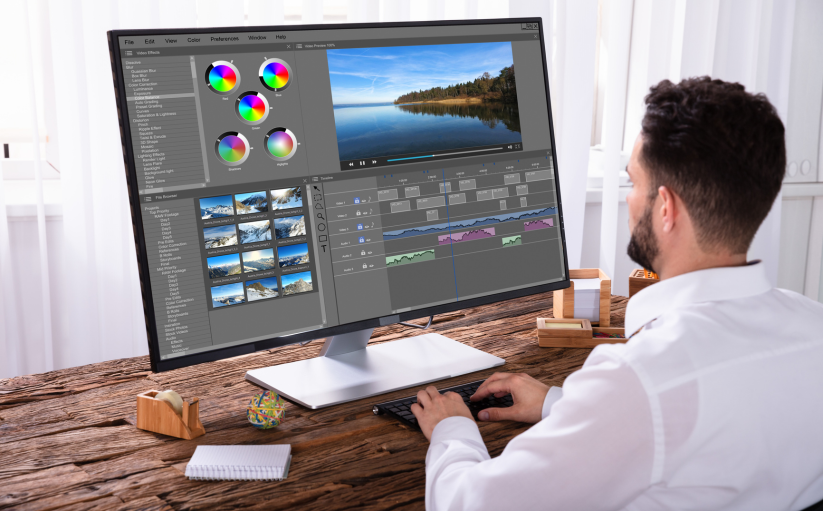
The Best Monitors for Photo Editing in 2021
The Custom Shape Tool In Photoshop
Understanding layer masks in Photoshop
15 Best Online Photo Storage Options in 2021
5 Beautiful Effects with Gradients | Sun Flare, Light Rays & Background Coloring
Photoshop Actions – The Built-In Action Sets
Photoshop Quick Tip: How to Place Two Images Side by Side
Photoshop CS3 Essential Preference Settings
Photo-shop Cs4 Interface Quick Tour
Photoshop Actions – The Built-In Action Sets
Saving , Loading And Reusing Layer Styles In Photo
Faking a layer mask in Photoshop elements
Photoshop Actions – Editing an Action
Understanding layer masks in Photoshop
Photoshop Layers Essential Shortcuts
Photoshop Actions – Recording an Action
Making Selections with The Pen Tool in Photoshop
Photo-shop actions _ Saving and Loading actions
Create Your Own Custom Photoshop Keyboard Shortcuts
Create Custom Photoshop Color Swatches and Sets
How To Smooth And Soften Skin With Photo-shop
Turn A Photo Into A Pattern Of Color Dots With Photo-shop
Photoshop Pointillism Painting Effect
Create A New Document The Same Size As An Open Document
How to Restore Legacy Brushes in Photoshop
How to Calculate Image Size in Photoshops?
How to Place Text Behind an Object in Photoshop?
How To Make Transparent Text In Photoshop
How to Access Refine Edge in Photoshop CC 2018?
«
1
…
6
7
8
9
10
…
15
»