October 13, 2026
Product images often do the work of a salesperson before a customer reads a product description. On an online store, shoppers cannot pick up an item, inspect its finish, or compare it with another product in person. Clear, consistent images help bridge that gap. When images look uneven, distracting, or inaccurate, even a useful product can appear less appealing. A professional product photo editing service can help businesses prepare images that look polished and consistent across a catalog. The challenge is choosing a provider that fits your workflow, budget, and quality expectations—not simply choosing the lowest quote.
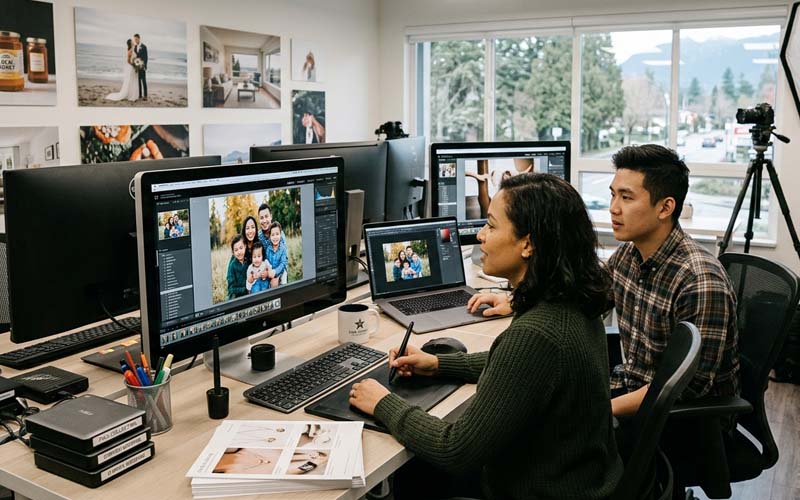
Before comparing providers, list the image tasks you need most often. A small store selling simple household products may mainly need background removal, cropping, and white-background output. A jewelry brand may require careful masking, dust cleanup, gemstone enhancement, and accurate metal color. Apparel sellers may need ghost mannequin editing, wrinkle reduction, and consistent garment color. Photographers working with complex objects may need clipping paths, shadow creation, or advanced retouching.
Review a sample of your current catalog and identify repeated problems. Are backgrounds inconsistent? Do products appear at different sizes in the frame? Are edges rough, shadows unnatural, or colors different from the physical items? A clear problem list helps you request the right service and compare providers fairly. It also prevents paying for advanced retouching when basic cleanup would solve the issue.
Portfolio images are useful, but a small test batch gives you a better picture of how a provider will handle your own files. Choose several representative images: a straightforward product, an item with fine edges, and a difficult image such as transparent glass, jewelry, hair, or fabric. Give the provider the same instructions you would use for a normal order and review the results against a checklist.
Look closely at edge quality, retained product detail, natural shadows, color accuracy, and consistency across the batch. Zoom in on curved edges and small openings. Check whether transparent or reflective areas have been handled realistically. A polished image should not look artificially cut out, oversharpened, or excessively smoothed. A fair test should also assess how well the provider follows instructions and responds to revision notes.
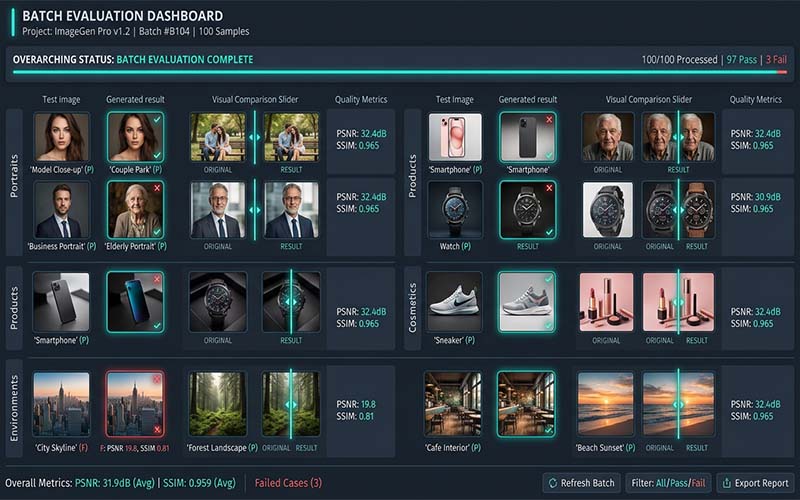
Editing quality matters, but dependable production is equally important when your store has frequent launches or large catalogs. Ask how files should be submitted, how completed images are delivered, how revisions are requested, and who handles questions. Confirm whether the provider can manage your expected order size and whether turnaround estimates change during peak periods.
Discuss naming conventions, folder structure, file formats, image dimensions, color profiles, and delivery preferences before the first large order. If your product team uses SKU-based filenames, preserve those identifiers throughout the process. A reliable workflow reduces misplaced files and manual corrections. Avoid assuming that a provider can handle urgent orders or unlimited revisions unless those terms are clearly agreed.
Price per image is only one part of the cost. The complexity of the image, number of editing steps, quantity, delivery speed, and revision policy can all affect the quote. A basic background removal task is different from detailed jewelry retouching or multi-path editing. Ask what is included in the quoted rate and whether complex images, urgent delivery, or extra revisions cost more.
Compare the full process rather than selecting a vendor based on a single low price. If an inexpensive result requires substantial internal correction, the apparent saving may disappear. On the other hand, not every image needs intensive retouching. Categorizing images by complexity can help you choose an appropriate level of editing for each product group.
Product photography may contain unreleased products, brand assets, campaign concepts, or commercially sensitive information. Ask how files are transferred, who can access them, how long they are retained, and whether they are deleted on request. If your business has confidentiality requirements, document them before sharing original files.
Clarify that your business retains the rights it needs to use the supplied images and edited deliverables. Do not assume that every provider follows the same storage or confidentiality practices. For sensitive launches, use controlled access and share only the files needed for the project.
A written image brief helps different editors deliver consistent results. Include background color, crop, margins, output dimensions, file format, shadow style, retouching limits, and rules for preserving product color and texture. Add examples of acceptable results where possible. A reference image can communicate visual expectations more clearly than a long paragraph.
Review the first delivery carefully and turn recurring feedback into checklist updates. Once the process is stable, inspect a representative sample from later batches rather than relying on vague impressions. Track common errors, turnaround reliability, and revision frequency. These practical measures help you decide whether the relationship is working over time.

Different stores need different production arrangements. A direct-to-consumer brand with frequent launches may value a predictable weekly workflow, while a marketplace seller may need images prepared to specific listing requirements. A photography studio may prioritize flexible handling of many clients and visual styles. When comparing services, describe how your business actually works: average batch size, seasonal peaks, product categories, approval process, and the people who will review delivery.
Ask each shortlisted provider to explain how it would handle a typical order from upload to final delivery. This conversation can reveal whether its workflow matches yours. A provider does not need to offer every possible editing service, but it should understand the requirements you depend on and be transparent about tasks that fall outside its normal scope.
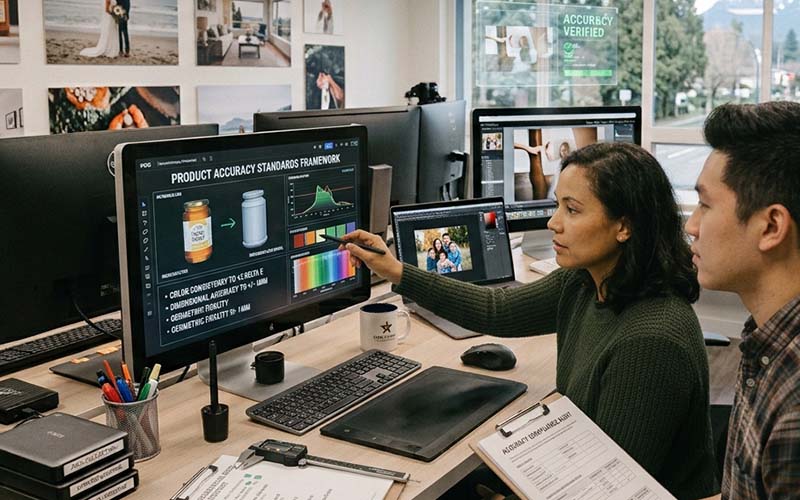
Edited product images should improve presentation without misleading customers. Avoid instructions that encourage editors to change the real color, proportions, materials, or included accessories. For example, a white shirt should not become a different shade simply to match a reference, and a product should not be reshaped to appear larger or more complete than it is. Define acceptable cleanup separately from changes that would alter the item itself.
This standard is especially important for products where details affect purchasing decisions, including apparel, jewelry, electronics, and home goods. Keep original files available for comparison and ask reviewers to check both appearance and accuracy. A polished image should help customers understand the real product rather than create expectations the delivered item cannot meet.
Once a provider has completed a successful trial, document the decisions that made it work. Save the approved examples, naming conventions, crop rules, background settings, and revision notes in one shared brief. When new staff members join the project, they should be able to understand the expected output without relying on informal messages or memory.
Review the process after the next few batches. If the same correction appears repeatedly, update the instructions or ask whether a production step can be changed. If your product range expands, run a new test for the unfamiliar category. A repeatable process reduces avoidable back-and-forth and makes it easier to assess whether the service continues to meet your standards.
Before the work begins, translate your expectations into instructions that can be followed consistently. State the objective, required output, technical specifications, and any details that must remain unchanged. Include representative examples and identify unusual images that may need special handling. A concise brief is more useful than a long request that leaves important decisions open to interpretation.
Ask the person completing the work to raise questions before processing a full batch. Confirm assumptions about edge treatment, color, crop, naming, file format, and revision rules. This small alignment step can prevent large amounts of rework and creates a reference that can be reused for future projects.
A frequent mistake is to focus on the finished image while overlooking the process that produces it. Unclear filenames, inconsistent source files, missing references, and late changes to the brief can cause errors even when the editing itself is strong. Establish a predictable way to submit files, communicate changes, approve samples, and receive final outputs.
Another mistake is to judge a provider or method using only one easy image. Include representative examples and assess the output as a group. Check both visual quality and delivery accuracy, and record issues in a way that makes them easy to correct. A consistent workflow makes problems easier to identify before they spread across an entire project.
Before approving delivery, check the image against the original brief. Confirm that the subject is intact, important details remain visible, the color and crop are appropriate, and there are no distracting edges or artifacts. Verify file dimensions, formats, naming, and the number of files received. A visual review and a technical file check catch different types of errors, so both should be part of the process.
Use the checklist proportionately. High-value, complex, or campaign-critical images may need a full review, while routine items can be reviewed through a consistent sampling process once the workflow is proven. If an error appears repeatedly, increase inspection and update the instructions until the issue is resolved.
Do not treat the first delivery as the only measure of success. Over several projects, track recurring corrections, turnaround reliability, communication quality, and the amount of internal time required to prepare or fix files. These observations provide a more realistic view of the process than a single successful example.
Use the results to make targeted improvements. If errors cluster around one image type, provide better reference material or adjust the technique. If files are frequently misplaced, revise the naming process. Regular, practical reviews help keep the workflow aligned with changing products, catalog size, and business priorities.
It can make sense when editing takes time away from product sourcing, marketing, or customer service. Start with a small batch and compare the total cost and quality with your current process.
Choose enough images to represent your normal work, including at least one complex example. The right number depends on catalog size and the variety of products.
Provide the highest-quality originals available, clear instructions, reference images, output specifications, and any required filenames or SKU identifiers.
Use a written style guide covering crop, background, margins, shadows, color treatment, and output size, then apply it to each batch.
Choosing the right approach to product photo editing service starts with a clear understanding of your images, quality expectations, deadlines, and workflow. Define the result you need, use representative examples, and review the output against consistent standards. A practical process helps your team avoid preventable revisions and make better decisions as image volume grows. Revisit your workflow periodically so it continues to fit your products, customers, and business goals.
If you need support with clipping paths, background removal, product retouching, or other catalog image tasks, explore the relevant services at ClippingImages.com and share a clear brief before placing a larger order.

Suggested filename: choose-product-photo-editing-service-clippingimages.jpg
Suggested alt text: Professional guidance about product photo editing service for e-commerce and photography businesses.