August 2, 2026
Fashion photography is all about creating images that inspire, attract, and sell. Whether you’re photographing clothing for an e-commerce store, producing editorial campaigns, or building a portfolio for fashion brands, professional photo editing plays a crucial role in delivering polished, high-quality visuals.
Even the most expensive cameras and perfect lighting setups cannot eliminate the need for post-processing. From color correction and skin retouching to background cleanup and garment enhancement, every detail matters. Well-edited fashion photos not only improve visual appeal but also increase customer confidence, reduce return rates, and strengthen brand identity.
In this comprehensive guide, you’ll discover practical photo editing tips for fashion photography that help photographers, online retailers, creative agencies, and fashion brands achieve stunning results.
Fashion photography aims to present clothing, accessories, and models in the most appealing way possible while maintaining authenticity.
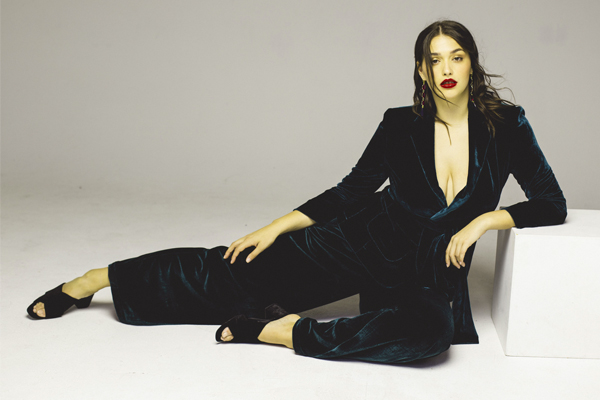
Professional editing helps:
Today’s customers expect clean, vibrant, and professional product photography. Poorly edited fashion images can reduce trust and hurt sales.
Always edit RAW files whenever possible.
RAW images preserve:
Popular RAW editors include:
Before opening Photoshop, adjust:
A properly balanced RAW file makes later editing much easier.
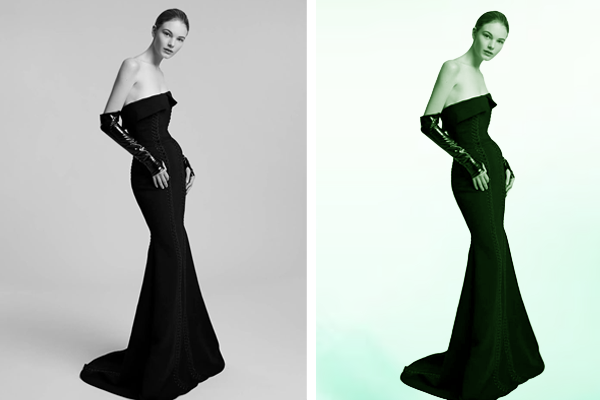
Incorrect white balance makes clothing colors inaccurate.
For fashion retailers, color accuracy is critical because customers expect the product they receive to match what they saw online.
Tips:
Natural-looking skin tones combined with accurate fabric colors create trustworthy product images.
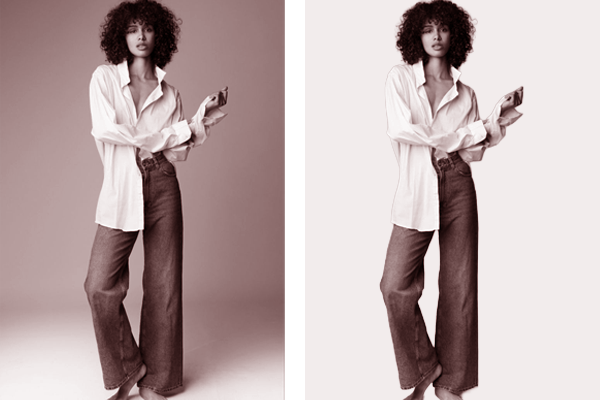
One of the biggest mistakes beginners make is over-retouching skin.
Professional fashion photography preserves natural texture while removing temporary imperfections.
Instead of blurring skin:
Frequency Separation and Dodge & Burn remain industry-standard techniques for high-end beauty editing.
The clothing should always remain the primary focus.
Professional editors carefully improve:
Avoid making fabrics appear plastic or overly smooth.
Natural texture creates premium-looking product photos.
Wrinkles can distract viewers.
However, completely removing every wrinkle can make garments look unrealistic.
Instead:
Different fabrics require different editing techniques.
Silk should appear soft.
Denim should retain texture.
Leather should preserve natural grain.
Fashion brands rely heavily on consistent colors.
Incorrect editing may result in:
Always compare edited images with the physical clothing.
Use:
Avoid oversaturated colors.
Realistic colors build customer trust.
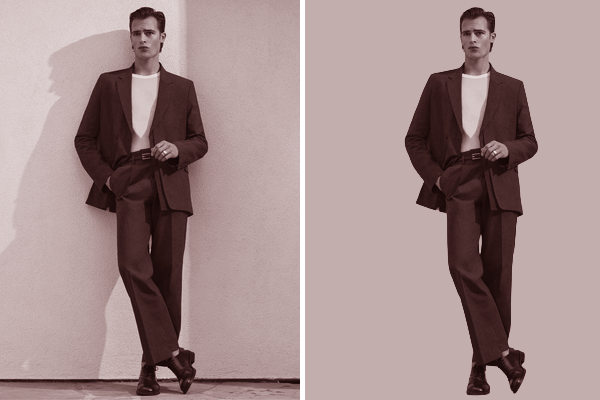
Background distractions reduce the impact of fashion photography.
Professional editing includes:
For e-commerce stores, pure white backgrounds are often required.
For editorial photography, subtle environmental cleanup helps keep attention on the subject.
Customers naturally notice uneven clothing.
Correct:
Use Photoshop Warp and Liquify tools carefully.
Avoid altering garment proportions unrealistically.
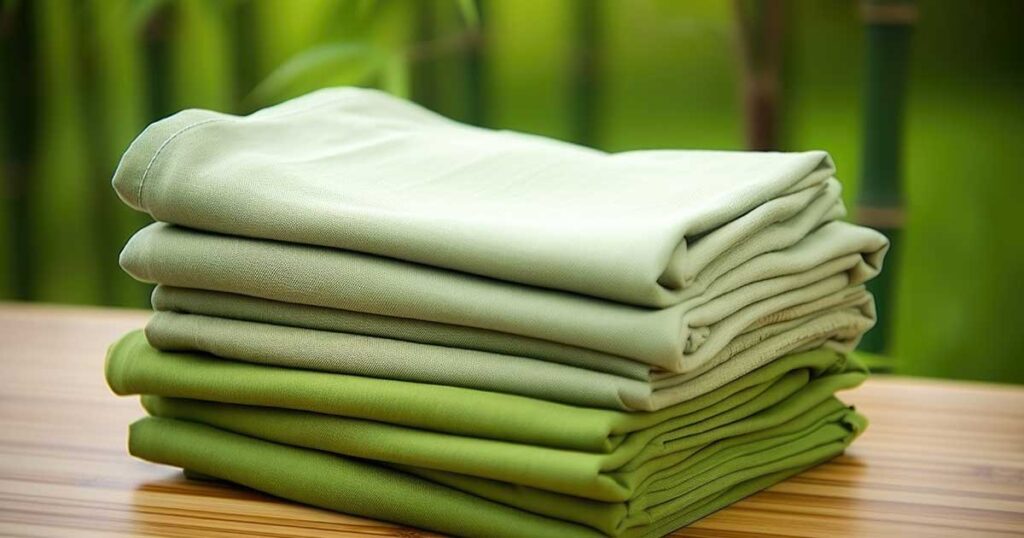
One overlooked editing technique involves emphasizing textile quality.
Increase clarity selectively on:
Avoid applying excessive sharpening globally.
Instead, sharpen only the garment.
In fashion photography, the model’s eyes often draw immediate attention.
Selective sharpening helps create impact.
Enhance:
Avoid excessive sharpening that introduces halos or unnatural details.
Hair cleanup significantly improves fashion portraits.
Professional editors remove:
Maintain natural volume.
Never create an artificial-looking hairstyle.
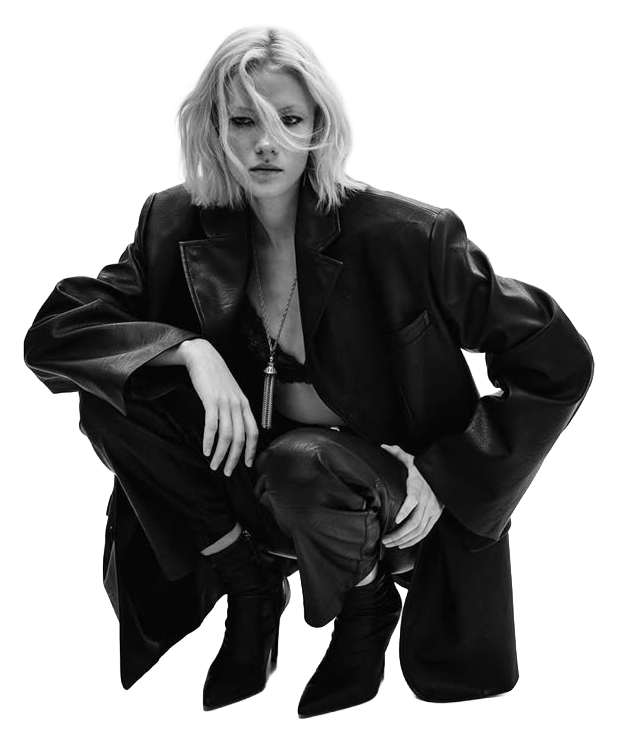
Dodge and Burn remains one of the most powerful fashion editing techniques.
Use it to:
Work subtly.
Professional fashion retouching should never look heavily edited.
Fashion brands often collaborate with makeup artists.
Editing should complement—not replace—their work.
Avoid changing:
Instead:
Fashion images often include:
Editing should remove:
Small details contribute to premium product presentation.
Wide-angle lenses sometimes distort clothing proportions.
Correct:
Natural proportions increase product credibility.
Consistency strengthens brand recognition.
Create editing presets for:
Fashion catalogs should maintain a uniform appearance across hundreds of images.
Professional editors never edit destructively.
Always use:
Benefits include:
Fashion images should load quickly without sacrificing quality.
Optimize by:
Fast-loading websites improve user experience and SEO.
Online fashion stores often require thousands of edited photos.
Batch processing improves efficiency.
Automate:
Lightroom presets and Photoshop Actions significantly reduce editing time.
Many beginners unknowingly reduce image quality.
Avoid:
Natural editing always appears more professional.
Luxury brands often prefer:
Streetwear brands may favor:
Minimalist brands usually use:
Your editing style should reinforce your overall branding.
Editing on an uncalibrated monitor can produce inaccurate colors.
Use calibration tools to ensure:
This is especially important for online clothing retailers.
Different platforms require different image sizes.
Export versions for:
This ensures optimal performance across all marketing channels.
As fashion businesses grow, editing thousands of images in-house becomes time-consuming and expensive.
Professional photo editing services can help with:
Outsourcing allows photographers, agencies, and e-commerce businesses to focus on creativity, client relationships, and business growth while ensuring consistent, high-quality results.
Mastering photo editing for fashion photography requires a balance between technical precision and creative vision. Every adjustment—from color correction and skin retouching to fabric enhancement and background cleanup—should enhance the image without making it appear artificial. Consistency, color accuracy, and attention to detail are essential for creating visuals that inspire confidence and encourage purchases.
Whether you’re a fashion photographer building your portfolio, an e-commerce seller showcasing apparel, or a creative agency managing large-scale campaigns, investing in professional editing workflows will elevate your brand and improve customer engagement. By following these best practices and leveraging expert editing support when needed, you can produce fashion images that stand out in a highly competitive marketplace.
Fashion photos should be edited enough to improve lighting, color, and presentation while preserving realistic skin textures, garment details, and accurate colors. Over-editing can reduce authenticity and customer trust.
Adobe Photoshop and Adobe Lightroom remain the industry standards. Capture One is also widely used by professional fashion photographers for its advanced color management and RAW processing capabilities.
Accurate colors help customers receive products that match what they saw online, reducing returns, increasing satisfaction, and strengthening brand credibility.
Yes. Editing RAW files provides greater flexibility for exposure, white balance, highlight recovery, and color adjustments, resulting in higher-quality final images.
Professional editing ensures consistent, high-quality visuals across product catalogs, enhances garment presentation, speeds up workflows through bulk editing, and helps improve conversions by creating visually appealing and trustworthy product images.
SEO Meta Title: Photo Editing Tips for Fashion Photography | Professional Guide for Stunning Fashion Images
SEO Meta Description: Discover expert photo editing tips for fashion photography. Learn how to enhance clothing, retouch models, improve colors, and optimize fashion images for e-commerce, photographers, and agencies.